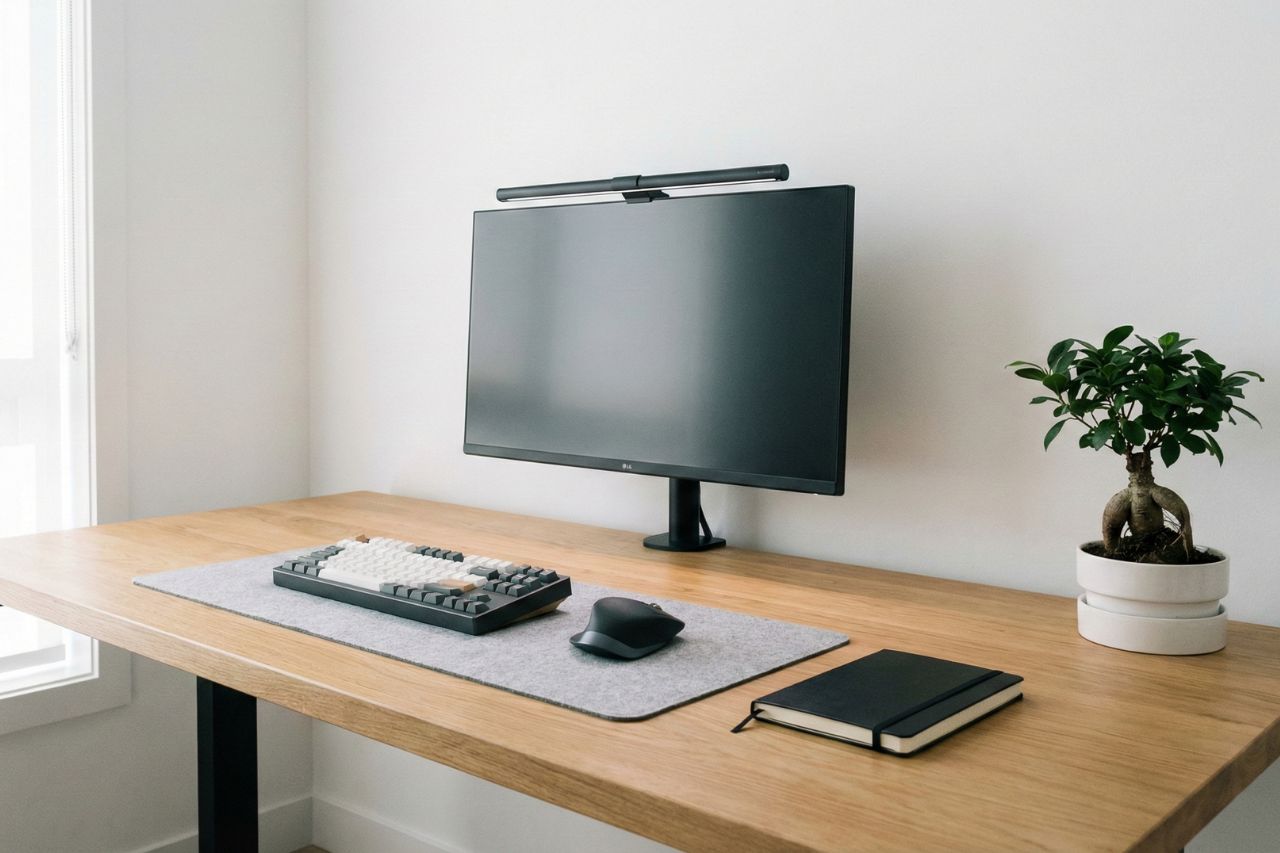
Creating a minimalist desk setup starts with one simple idea. You only keep what helps you work well, stay comfortable, and focus. Finding the best minimalist desk setup ideas is your first step toward a better workday.
A minimal desk is not empty. It is a smart system for your home office with less clutter. This clean space reduces distractions and is easy to keep tidy.
When you build a setup around your daily tasks, you boost productivity. You reduce visual noise and make your office easier to use.
You do not need a big room or costly gear. With basic ergonomics, smart cable management, and good layout, you can build a beautiful, functional workspace.
Before you buy anything, decide what you need your desk to do. Build your setup around the tools you use every day.
A clutter-free space needs clear limits. If you know exactly what belongs on your desk, you can easily clear the junk.
1. Define Your Minimalist Desk Setup Goals
What A Minimalist Desk Setup Actually Means
Function comes first. You keep helpful items and remove the rest.
Your desk might only hold a monitor, keyboard, mouse, lamp, and notebook. Start by clearing everything off the desk entirely. Only put back the things you use daily.
Choose Between An Everyday, Home Office, Or Gaming Setup
Design your space for how you actually use it.
An everyday setup needs a laptop, keyboard, and mouse. A home office might add a webcam and dock. Gaming setups use larger screens. Keep any of these styles minimal by avoiding extra gear.
Decide What Stays On The Desk Every Day
Make a short list of items that stay on your desk. Keep this list small.
Follow this rule: put daily items on top, occasional items nearby, and rare items away. This keeps your desk useful but not crowded.
2. Choose The Right Desk, Chair, And Layout
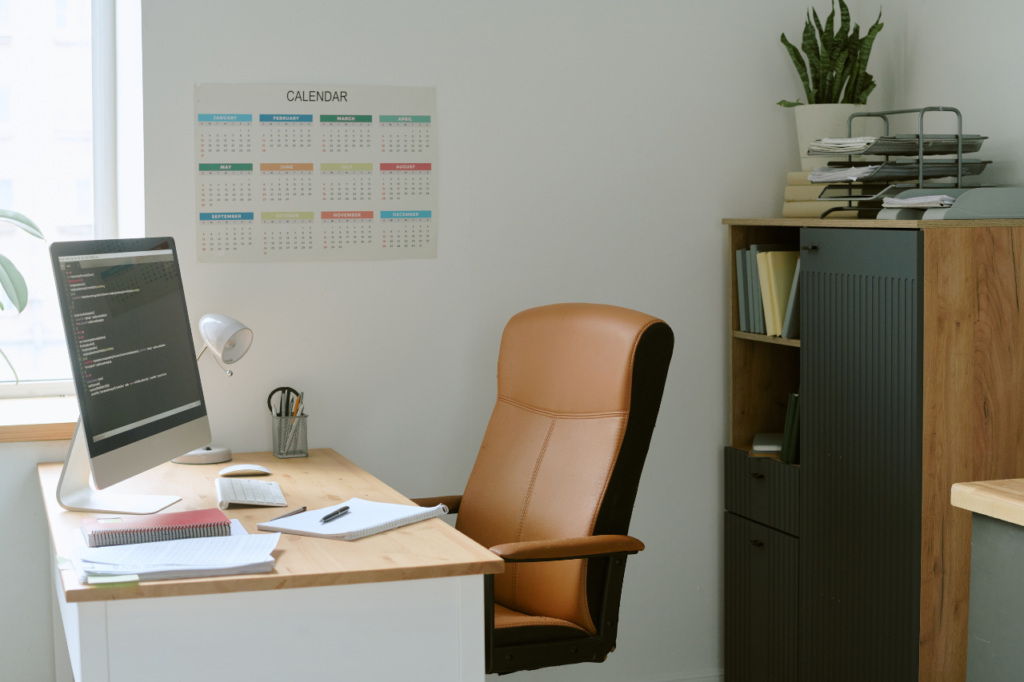
Your furniture shapes how you feel after hours of work. Choose items that fit your space and support your body. Pick a desk with a clean, flat top in neutral tones like white, black, or natural wood.
Pick The Best Desk Size And Shape For Your Space
Look at your room first, not internet trends. A compact desk works perfectly in small rooms.
Space | Good Desk Choice |
|---|---|
Small room | Compact desk or floating desk |
Narrow wall | Straight rectangular minimalist desk |
Corner area | L-shaped desk only if you truly need extra surface |
Warm, simple style | Wooden desk |
Flexible work style | Height-adjustable desk |
You can also switch to a standing desk. This encourages movement without adding visual noise. If space is very limited, create a fold-away workspace with a wall-mounted desk.
Build Around Ergonomics And Sitting Comfort
Your chair is just as important as your desk. Pick an ergonomic chair that prioritizes back support over pure aesthetics.
Keep your feet flat on the floor. Set your desk height so your elbows comfortably bend at 90 degrees.
Plan A Simple Desk Layout That Supports Focus
Keep your main tools right in front of you. Place your monitor in the center, with your keyboard and mouse below it.
Leave some empty space on your desk. This open area helps you think clearly. Use a desk mat to anchor your workspace and define your personal zone.
3. Set Up Your Screen And Peripherals For Comfort
Screen position drastically changes your posture. Small tweaks to your monitor can make your desk feel much cleaner.
Get Monitor Height And Viewing Distance Right
Place the top of your screen at eye level. This simple fix stops your neck from hurting.
Keep the monitor an arm’s length away. Tilt it back slightly so you do not have to lean forward to read.
Use Laptop Stands, Monitor Arms, And Docks To Free Space
Float your screens using a monitor arm or laptop stand. This instantly frees up desk space and improves your posture.
Consolidate your power by using a single high-capacity hub to replace multiple chargers. This creates a central spot for power and cuts down on wire clutter.
Go Wireless Where It Actually Helps
Go wireless first. A wireless mouse and keyboard remove messy cords from your direct view.
However, some wired gear is still worth keeping. Many people love mechanical keyboards for focus and typing comfort. Only use wireless tech if it truly reduces your clutter.
4. Eliminate Clutter With Storage And Cable Management
Cable management is critical to maintaining a clutter-free look. If you can see tangled cords, your desk will still feel messy.
Hide Cables Without Losing Access To Power And Ports
Bundle and hide your power and monitor cables. You can easily do this using fabric sleeves, Velcro ties, and an under-desk cable tray.
Keep a little slack in your cables so you can easily move your devices. Group them by what they do, like charging or power.
Use Smart Storage To Keep The Surface Clear
Smart storage ensures every hidden item has a place. Use desk drawers with dividers, slim filing cabinets, or wall-mounted pegboards to keep the surface clear.
Pick accessories that do two jobs at once. A large desk mat protects your table and gives your mouse a smooth surface.
Create A Daily Reset And Cleaning Routine
Good habits keep a desk minimal. It is not about doing one massive cleanup every month.
Take three minutes every evening to store loose items and wipe the desk. Put your tools away and toss out any trash to keep the workspace fresh.
5. Use Lighting And Decor To Keep The Space Minimal
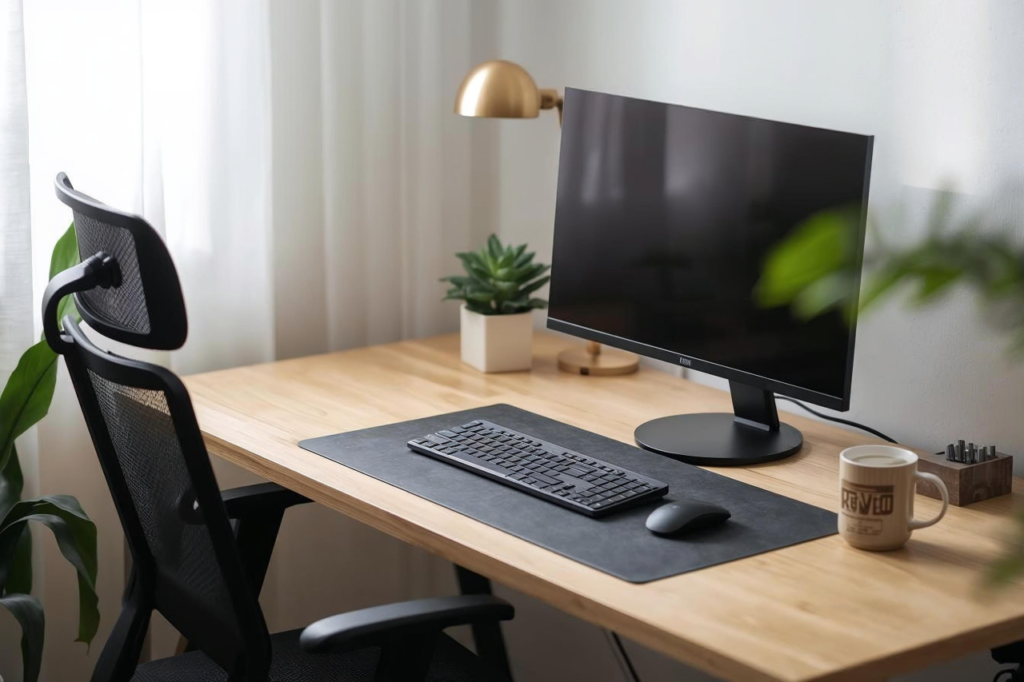
Lighting completely changes the mood of your room. You want the space to feel warm, not cold or empty. Pick a simple color palette of two or three colors, such as monochrome, to create visual calm.
Maximize Natural Light And Reduce Glare
Put your desk near a window if you can. Daylight helps your home office feel open.
Do not place your screen right in front of a window. Light coming from the side is best because it reduces screen glare.
Add Task Lighting And Ambient Lighting The Right Way
Simplify lighting by ditching bulky lamps. Use a slim LED lamp or a monitor light bar that takes up zero space.
Keep your background lights soft. Warm ambient light helps the room feel peaceful and calm.
Use Plants And Decor Without Reintroducing Clutter
Add just one natural element. A small snake plant brings life to the desk without adding clutter.
Stick to a tight color palette. If your lamp and accessories match, the room looks instantly cleaner.
6. Optimize Your Minimal Setup For Focus And Workflow
A clean desk fails if your computer is full of distractions. Organize your digital tools just like you organize your physical space.
Choose Digital Tools That Replace Physical Clutter
Ditch the messy paper sticky notes. Use digital software to manage your daily tasks and files.
If you love writing by hand, consider the reMarkable 2. It feels like paper but keeps your notes fully digital. You can also set up for pen-and-paper work by keeping a planner and tray close by while placing the computer to the side.
Set Up Simple Productivity Systems For Deep Work
Use a basic system for deep work: one task list, a calendar, and a timer.
To stay off your phone, use one of the best alarm clocks or a basic digital timer to track your sessions. Keep your computer desktop totally clean. Skip flashy wallpapers unless they actively help you work.
Adapt The Setup For Remote Work Or Creative Tasks
Make sure your home office fits your actual job. Embrace true mobility by making the setup portable with a laptop. This allows you to work from different locations easily.
If you need photography gear, grab one of the best compact cameras and store it nearby. Keep tools off the desk unless you use them every single day.
Conclusion
A minimalist desk is about intentional choices. When you remove the excess, you make room for better focus and calm. Start by clearing your surface today. Keep only the tools that serve your goals, hide your cables, and let your workspace breathe. Your mind will thank you.