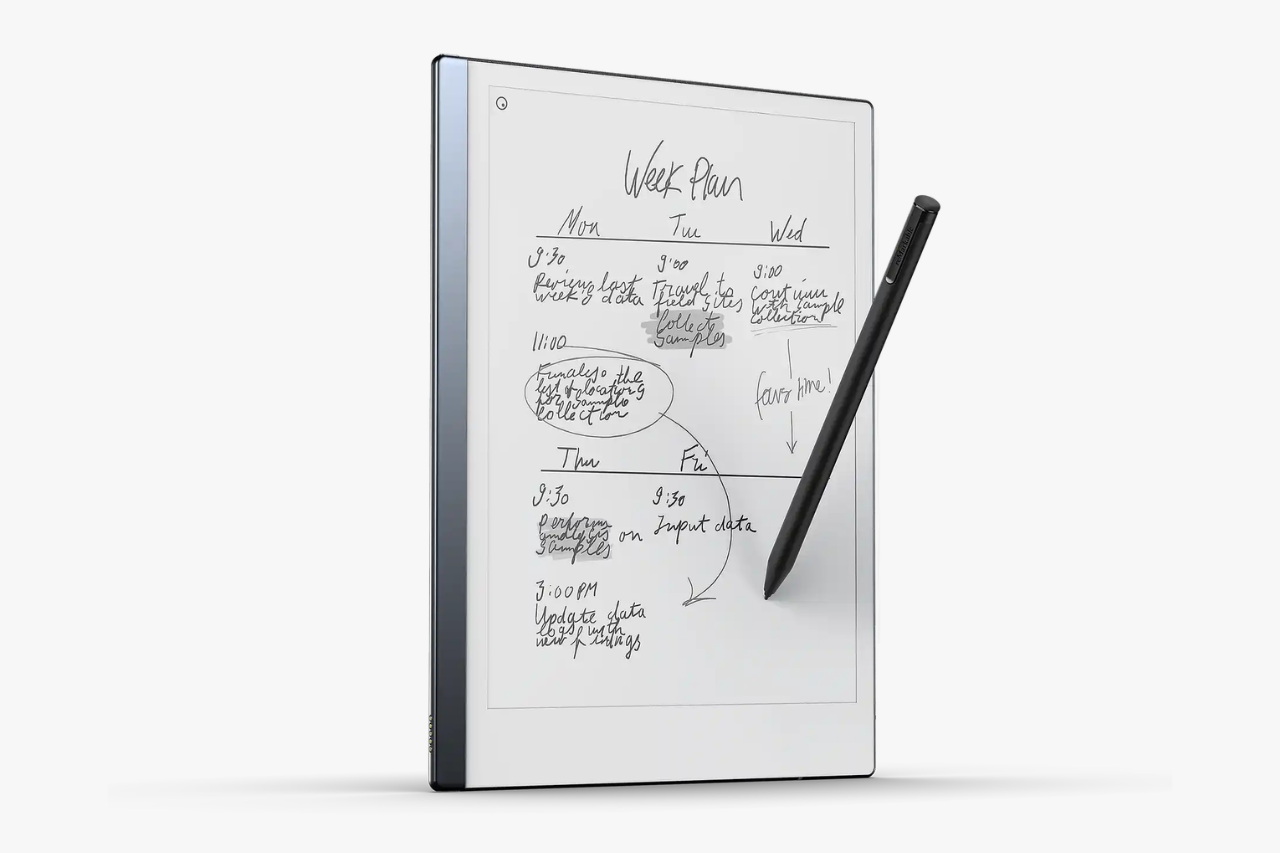
Are you looking for a calm, clear reMarkable 2 Review? The short answer is simple. The reMarkable 2 is still a top choice for focused handwritten notes in 2026. But, you must want a digital notebook, not a full tablet.
This difference is huge. The reMarkable 2 does not fight the iPad. It skips apps, videos, web browsing, and games. Instead, it feels like a real paper notebook. It just adds simple cloud storage, PDF reading, and handwriting tools.
Do you want to write and read without distractions? This device uses an E-ink display—a screen that looks like printed paper to rest your eyes. If you need emails, media, or heavy work apps, you might prefer a standard tablet.
reMarkable 2 Technical Specifications
| Size and Weight | 187 x 246 x 4.7 mm, Approx. 403.5 g |
| Display | 10.3″ monochrome E Ink display (1872 x 1404) |
| Processor | 1.2 GHz dual core ARM |
| RAM & Storage | 1 GB RAM, 8 GB internal storage |
| Battery | 3000 mAh (USB-C charging) |
| Connectivity | Wi-Fi 2.4GHz and 5 GHz |
Design, Display, And Writing Feel
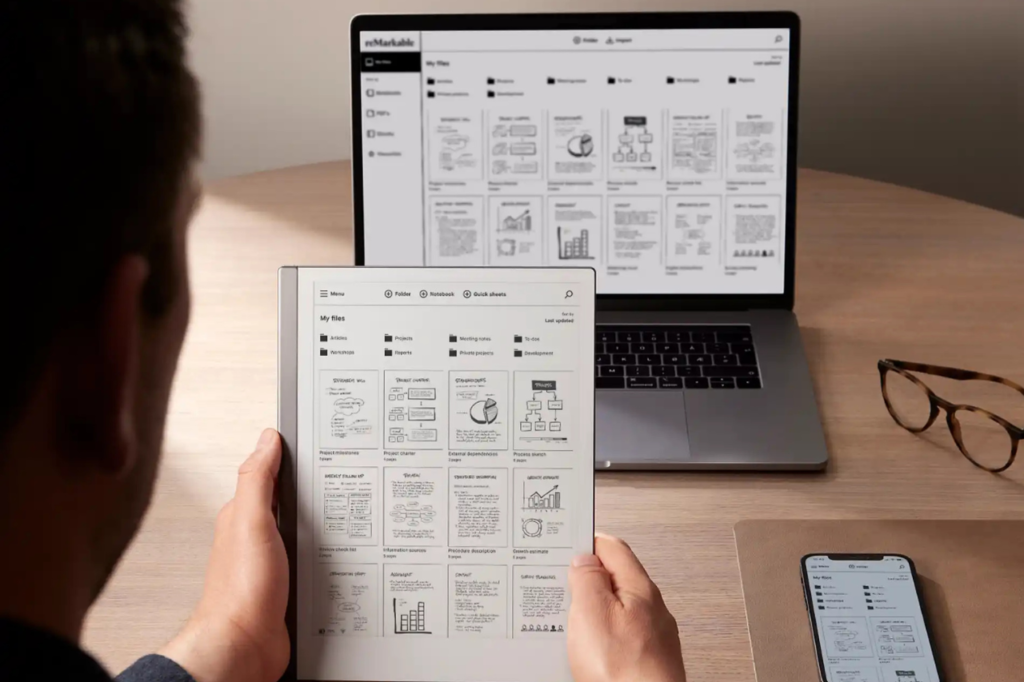
The reMarkable 2 stands out quickly. It feels more like actual paper than most tablets. The device is thin and clean. It has one main job: letting you write, sketch, and read without screen glare.
Thin Build And Everyday Portability
The reMarkable 2 is very thin at just 4.7 mm. It weighs less than a pound (403.5 g). When you slip it into your bag, it feels like a slim paper notebook. It never feels like a heavy laptop.
The 10.3-inch screen gives you plenty of space. You can easily take meeting notes, write class notes, and read PDFs. The metal body looks premium. Its simple design fits perfectly at work or school.
The tablet is slim and fragile. A Folio Cover, Book Folio, or Folio Case helps keep it safe. You will definitely want a cover if you carry it with you every day.
E Ink Display And Reading Comfort
The E Ink display is a big selling point. E-ink uses tiny ink particles to make text look printed. It is matte and low-glare. It rests your eyes much better than bright, glossy LCD or OLED screens.
The screen has no backlight. This adds to the authentic paper-like feel. However, it means you will need a desk lamp or good room light to read at night.
The screen is very comfortable for reading PDFs and documents. As an e-reader, it handles your uploaded files perfectly. Still, it lacks the book-focused store you find on dedicated e-readers.
Marker Performance And Paper-Like Feel
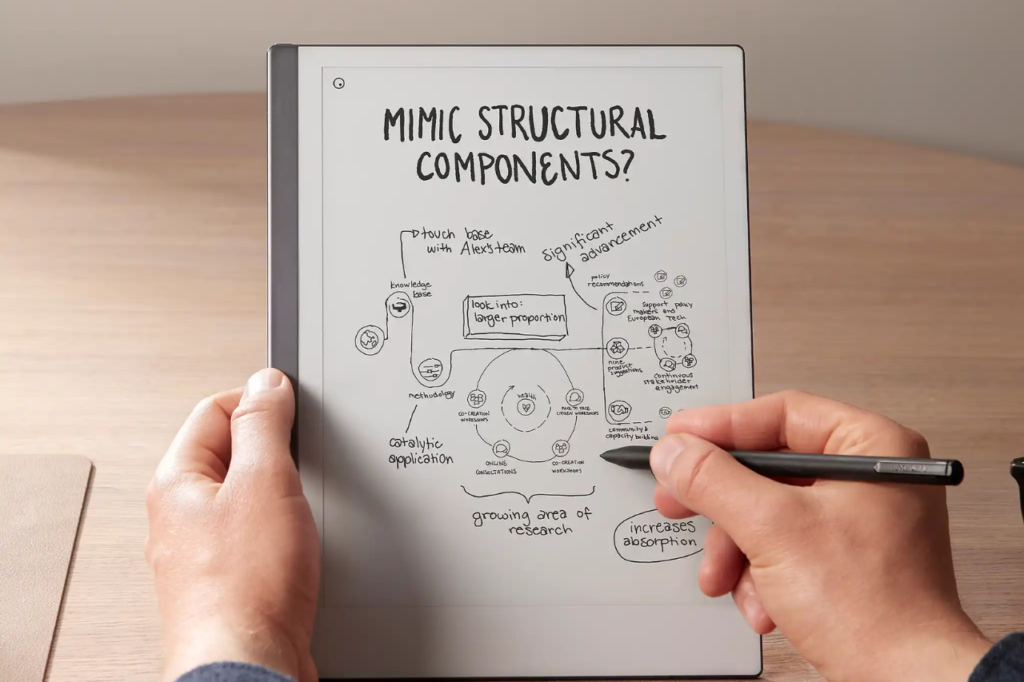
This is where the reMarkable 2 truly shines. The stylus (pen) feels incredibly natural. It creates a slight friction against the textured screen. This feels much closer to real paper than sliding plastic on iPad glass.
The basic Marker attaches with strong magnets. Better yet, it never needs charging. The upgraded Marker Plus adds a handy built-in eraser on top.
- You can easily switch between digital pen types like:
- ballpoint
- pencil
- fineliner
- highlighter
- marker
- paintbrush
- calligraphy pen
The tablet responds well to pressure. The writing delay is almost zero. If a great writing feel is your main goal, this is one of the best tablets you can buy.
If you are trying to cut down screen time across all devices, pairing this with a minimalist phone like the Light Phone III makes a great combo.
Software, Features, And Note-Taking Experience
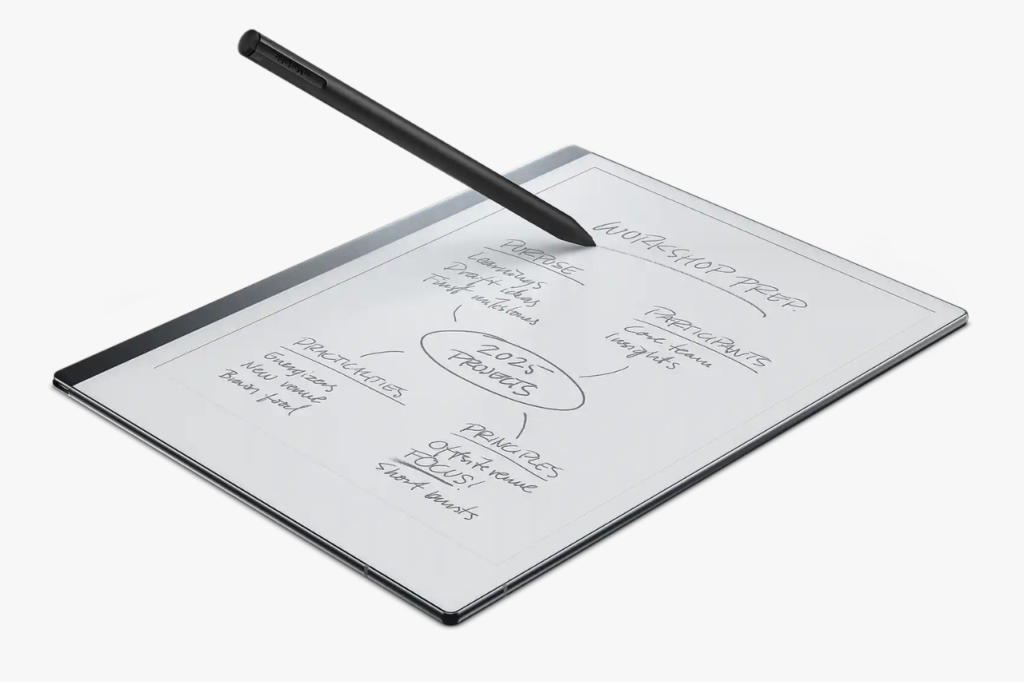
The software keeps things very simple. This simplicity is both a strength and a limit. You get solid notebook tools and document editing. You bypass the loud clutter of normal tablet apps.
Notebook Tools, Templates, And Organization
You can easily create notebooks, folders, and quick sheets. These help you capture notes fast. The device includes useful templates like lined pages, blank pages, and structured grids.
This setup works wonderfully. You can keep separate digital notebooks for work, school, or planning. The menus are clean. You can find your files quickly once you set up your folders.
The main focus is clearly on handwritten notes. It avoids feature overload. This makes the tablet much easier to use. It offers a truly calm writing space.
PDF Annotation And Handwriting Conversion
PDF editing is one of the best practical features. You can highlight text and write directly in the margins. Reviewing documents feels much more natural here than on shiny, glossy screens.
Handwriting conversion is also very helpful. The tablet can read your messy writing. It instantly turns your handwritten notes into typed text for easy sharing.
The results are not always perfect if your writing is very messy. Still, it saves a lot of time for meeting notes or rough drafts.
Desktop And Mobile App Experience
The desktop app and mobile apps expand what the reMarkable 2 can do. You can easily install them on Windows, MacOS, Android, and iOS.
This means your notes sync directly to your laptop, iPhone, or other tablets. The system also connects smoothly with popular cloud storage like: Dropbox, Google Drive, OneDrive.
This connection is great if you already use tools from Microsoft, Google, or Apple. However, remember that you need a Connect subscription for the best automatic syncing.
Battery Life, Storage, And Connectivity
Battery life is a very strong point. The simple hardware requires very little power. Storage space is a bit more mixed, especially if you save years of notebooks.
Real-World Battery Life
The company promises up to two weeks of battery life. This is very realistic for normal note-taking. If you write constantly, you might charge it sooner. Still, it outlasts most normal tablets.
You charge the 3000 mAh battery using a standard USB-C cable. You never have to charge the pen itself. This removes a huge daily annoyance.
What 8GB Storage Means In Practice
The reMarkable 2 comes with 8GB storage. For basic text notes, this lasts a very long time. Handwritten digital pages take up almost no space compared to videos or heavy apps.
However, PDFs and large documents eat up storage fast. If you save big files, you might hit that 8GB limit sooner than expected.
For the average user, 8GB is plenty. For heavy readers, it might feel a little small.
Wi-Fi Sync And Offline Use
The tablet connects to Wi-Fi to sync your files. It also works perfectly offline. This offline mode deeply supports a distraction-free, mindful lifestyle.
You can take long notes without any internet. Later, you can sync everything to Google Drive, Dropbox, or OneDrive. This makes it great for flights, deep-focus work, and quiet meetings.
There is no confusing app ecosystem here. If you want pure note-taking and simple file transfers to your Android, iOS, Windows, MacOS, or iPhone, it excels.
Speaking of distractions, if you struggle with app addiction on your main phone, check out our guide on the best app blockers to reclaim your focus.
Accessories, Price, And Subscription Value
This section often makes buyers hesitate. The reMarkable 2 starts at $399. The price climbs quickly once you add a marker, a cover, and the monthly subscription.
Marker Vs Marker Plus
The standard Marker is the cheaper stylus. It works perfectly. The upgraded Marker Plus costs a bit more. It adds a built-in digital eraser on the back.
If you make mistakes and erase often, buy the Marker Plus. If you write cleanly and want to save money, the basic Marker is a great pick.
Here is a simple way to view the value:
| Accessory | Best For | Worth It? |
|---|---|---|
| Marker | Budget-conscious buyers | Yes |
| Marker Plus | Heavy note-takers who erase often | Usually |
| No marker | Nobody, you need one to use the tablet | No |
Folio And Type Folio Options
The Folio Case, Folio Cover, and Book Folio add strong protection. They also look very professional. If you travel, buying a folio is a very smart choice.
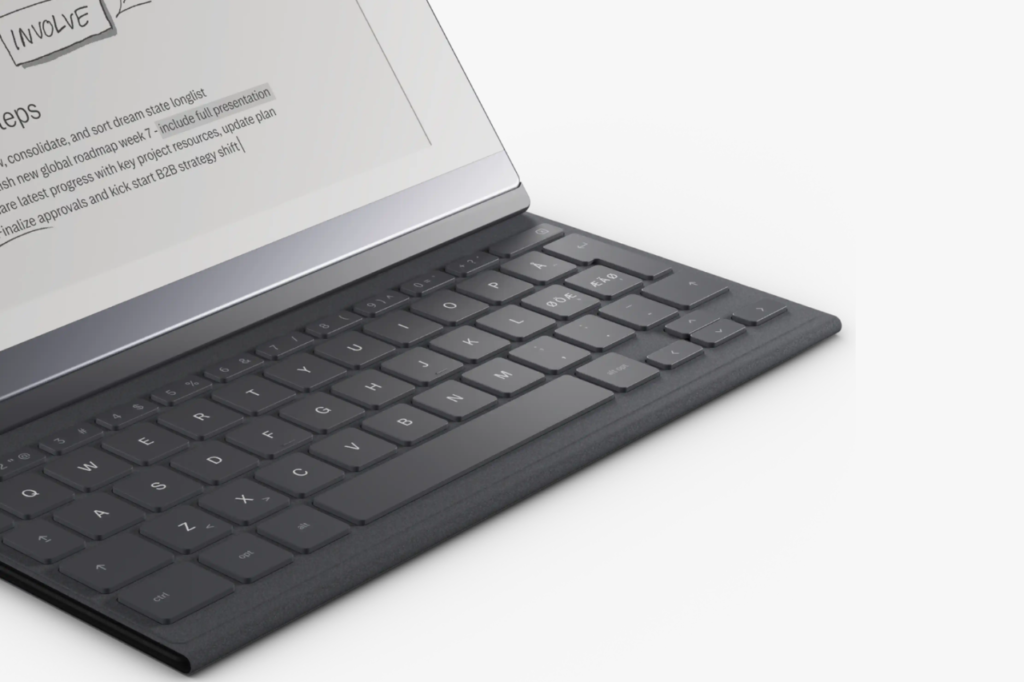
The Type Folio adds a slim keyboard for $199. This turns the tablet into a quiet typing machine. It is great for writing books or essays, but it does raise the total cost.
For most people, a basic folio offers the best value. You do not need every expensive add-on to enjoy a calm digital life.
Is Connect Worth Paying For
The Connect subscription gives you unlimited cloud storage. You can use the reMarkable 2 without paying monthly. However, some helpful sync features require the paid plan.
The good news? You can still manually move files using Dropbox, Google Drive, and OneDrive. The bad news? Nobody loves paying a monthly fee after buying a premium gadget.
Here is the simple truth. Connect is only worth it if you need constant cloud access. If you keep notes on the device and only export occasionally, skip the subscription.
reMarkable 2 Vs iPad, Kindle Scribe, And Other Alternatives
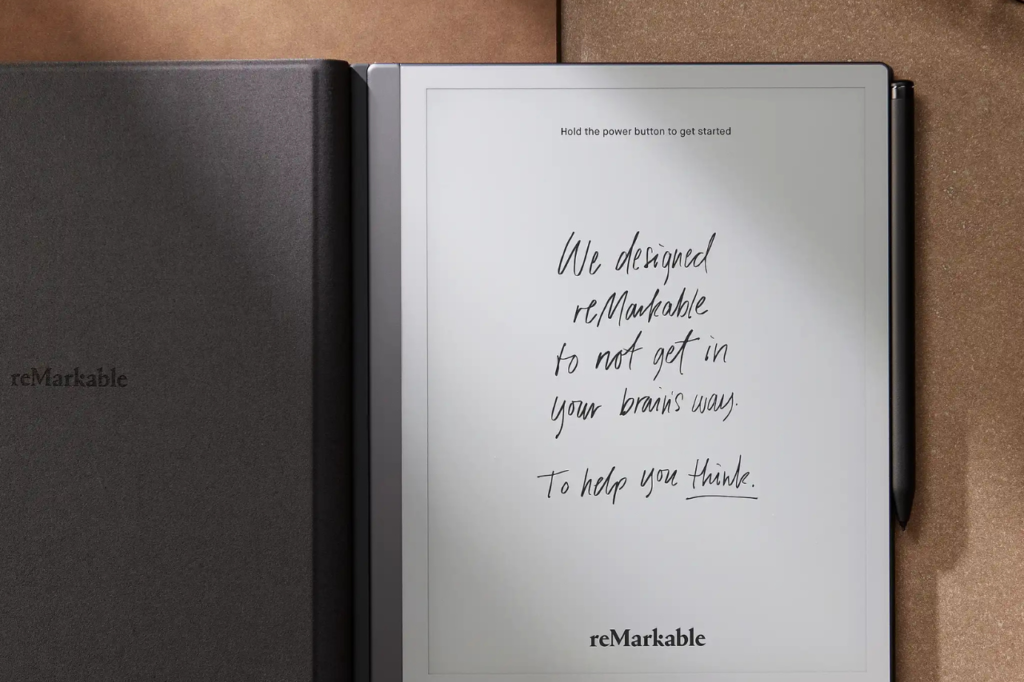
Your choice depends on your personal goals. Do you want deep focus or tech flexibility? The reMarkable 2 works best as a single-purpose tool. It will not replace your computer.
reMarkable 2 Vs iPad For Notes And Productivity
Comparing the reMarkable 2 to an iPad reveals a huge difference in purpose. The iPad is a bright, busy tablet from Apple. It has heavy multitasking, media apps, and a web browser.
This makes the iPad powerful for modern office work. However, it also makes it a massive trap for daily distractions.
For pure handwritten notes, the reMarkable 2 feels perfectly grounded. For juggling apps and syncing easily with an iPhone, the iPad clearly wins.
Do you care about Apple Intelligence, advanced AI, and millions of apps? Buy the iPad. Do you want to silence the noise and stop scrolling? The reMarkable is your tool.
How It Compares With Other E Ink Tablets
The Kindle Scribe is a popular rival. The reMarkable 2 easily wins on raw writing feel. But, the Scribe connects to the massive Amazon book store. Buy the Scribe if reading books is your top priority.
Other brands like Samsung, Lenovo, and Microsoft make similar devices. Yet, the reMarkable 2 stays intentionally limited. It does less on purpose. For mindful users, less is exactly what we want.
Some newer gadgets offer color screens or Android apps. The reMarkable 2 ignores these trends. It sticks to beautiful, black-and-white digital paper.
If you want a truly minimal phone setup to match, the Wisephone II is another excellent device for reclaiming your attention.
Best Alternatives For Different Buyers
Choose the reMarkable 2 if you want: the best paper-like writing feel, focused handwritten notes, simple PDF markup and fewer daily distractions.
Choose an iPad if you want: mobile apps, streaming media, full tablet features and better multitasking.
Choose a Kindle Scribe if you want: a better reading-first e-reader, Amazon book access and basic note-taking on E Ink.
Choose an Android or Samsung Galaxy tablet if you want: more software flexibility, more app choices and extra features like heavy multitasking, AI, or AR tools
Taking a break from screens entirely? Try swapping your smartphone camera for one of the best compact cameras to capture memories without the urge to post them immediately.
Final Review Summary
The reMarkable 2 is easy to love if you understand its true purpose. It does not try to be an entertainment center. Your view of it depends on one thing. Does a limited device sound freeing or frustrating to you?
What I Liked Most
The writing feel is the absolute best reason to buy it. Very few gadgets match this natural feeling. It is perfect for handwritten notes, mindful sketching, and editing documents.
The screen is incredibly calming. The matte E-ink display is soft and highly readable. It protects your eyes during long, focused work sessions.
We also love the clean software. You never have to fight annoying push notifications. You avoid crowded apps and stressful settings menus.
Biggest Limitations To Know
Price is the biggest hurdle. The base price is $399. Once you add a $79 folio and a digital pen, the cost jumps quickly.
Storage space is another minor issue. 8GB is enough for standard notes. However, it feels a bit small for the premium price tag. The optional Connect subscription also frustrates some buyers.
Always remember what this gadget is not. It is not an iPad. It is not a heavy workstation. It will not play videos or music.
Should You Buy The reMarkable 2 In 2026
Do you want the best digital notebook for quiet, focused writing? Do you want to read PDFs with clean organization? Then yes, buy it. This reMarkable 2 Review ends on a simple truth. It remains a brilliantly focused tool.
If you crave tablet features, flashy software, or massive storage, skip this device. But for the mindful worker, the reMarkable 2 is a breath of fresh air in 2026.