Minimal Phone Review 2026: A Guide to Focused Tech

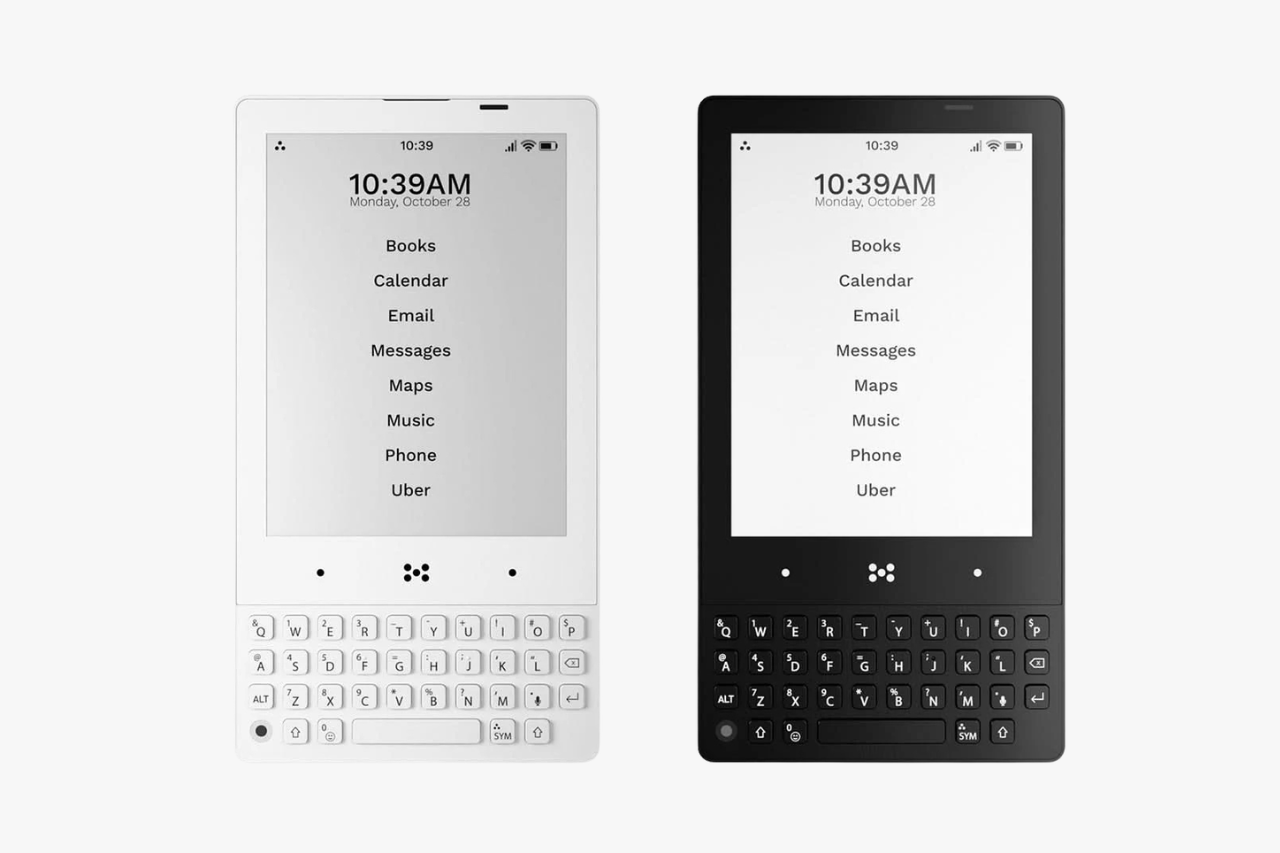
If you feel stuck in a scrolling loop, the Minimal Phone offers a calm way out. It uses a small, black-and-white E Ink screen (E Ink looks like printed paper, not a glowing light). It also features a physical keyboard to cut down daily distractions. It still runs a pure Android 14 experience. You can text, call, use maps, and download apps. But, the simple design makes social media and videos far less tempting.
The Minimal Phone works well if you want to reduce screen time. It helps you focus on the absolute basics. But, you give up speed, strong cameras, and modern features like 5G. It starts at $499. It offers a solid battery life and simple software. You get a clean layout with zero clutter. Yet, it feels slow and takes weak photos. We also do not know how long it will receive software updates.
We will show you how the design feels in your hand. You will see how the screen handles your daily tasks. We also compare it to standard options like the Google Pixel 9a. Do you want a phone that helps you unplug? This breakdown will help you decide if this choice fits your life.
Technical Specifications Overview
The hardware focuses on saving energy instead of raw processing power. We love that these parts give you a much longer battery life. They make the phone highly useful for everyday life.
| Feature | Specification |
|---|---|
| Base Price | $449.99 |
| Display Size | 4.3 inch |
| Display Technology | E-paper with 230 ppi |
| Operating System | Pure Android 14 Experience |
| Memory & Storage Options | 6GB/128GB or 8GB/256GB |
| Rear Camera | 16 MP Camera with LED Flash |
| Front Camera | 5 MP Camera |
| Ports | USB-C, 3.5 MM Headphone Jack |
| Connectivity | Dual Sim, Android Auto & NFC Payments |
| Available Colors | Onyx, Pebble, Fusion |
Hardware and Design Philosophy
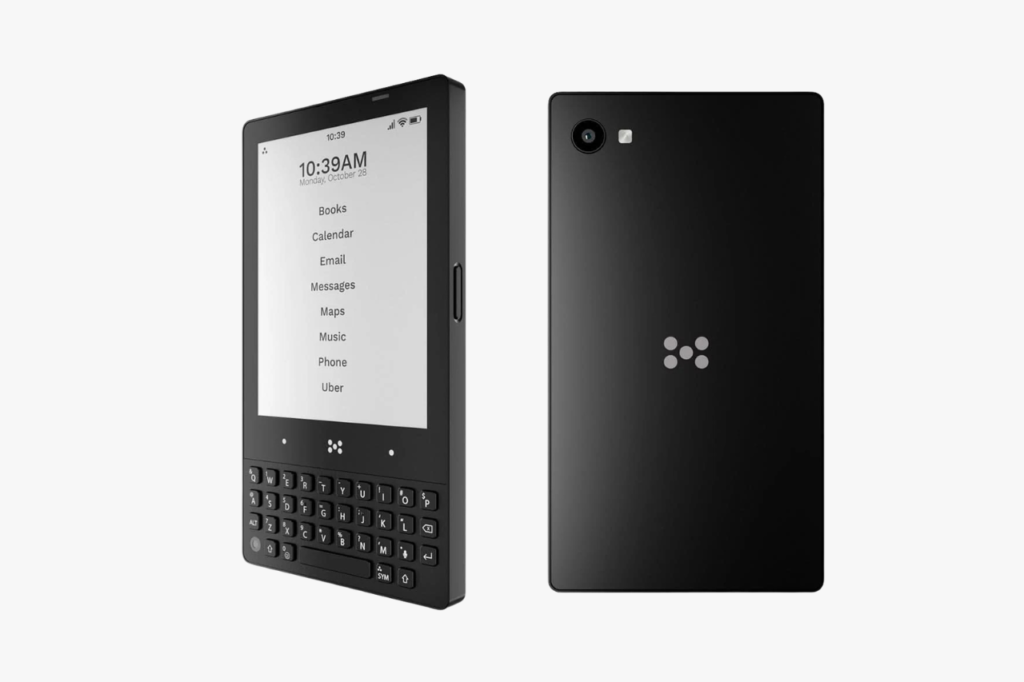
The Minimal Phone uses a simple, helpful design. It stays small and weighs just 165 grams. This light shape slides easily into your pocket. It fits nicely into small bags without feeling heavy or bulky.
The materials focus on being tough and useful. The power button has a built-in fingerprint sensor. This makes unlocking your phone quick and secure. You can choose from three colors: onyx, pebble, or fusion. The side has simple buttons to turn your volume up or down.
The audio options are highly practical for daily use. The bottom edge has a standard 3.5 MM headphone jack. You can plug in normal wired headphones without needing a special adapter. A modern USB-C port sits next to the microphone for easy, standard charging.
The E-Paper Display Experience
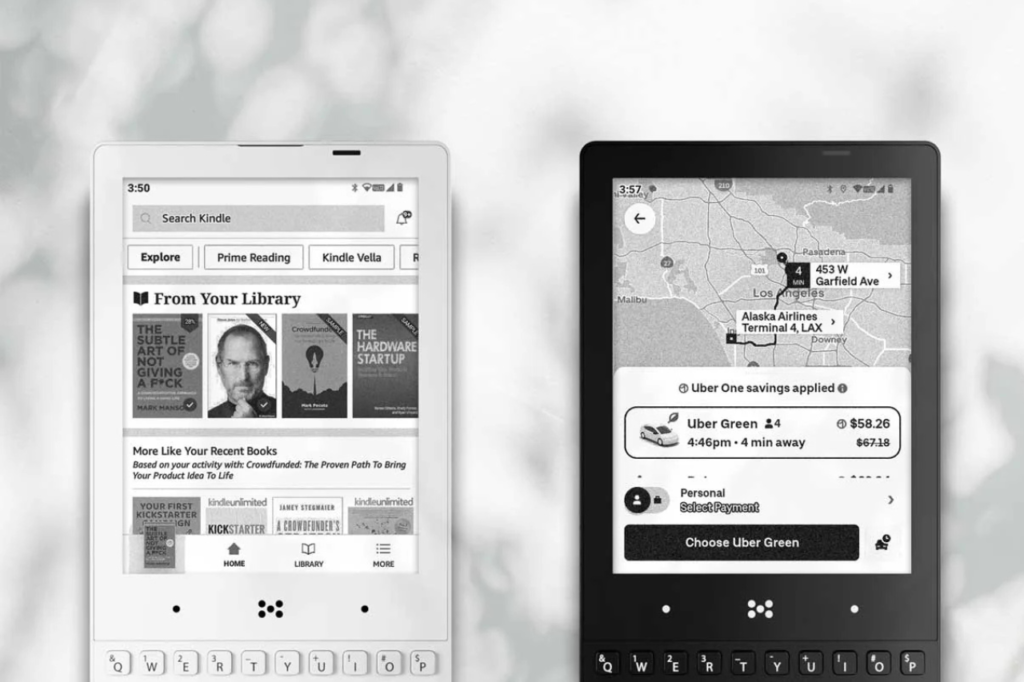
Everything centers around a 4.3-inch screen. The display uses a square-like 4:3 shape to show information well. It has a resolution of 230 ppi (pixels per inch). This means the text looks very sharp and easy to read.
This screen removes the bright, flashy colors of normal phones. The e-paper display is very gentle on your eyes. It heavily cuts down on glare. This makes reading outside in bright sunlight incredibly comfortable. You can easily read emails and articles for hours.
Moving around the screen feels a bit different. The screen refreshes slowly, so you might see faint shadows of past screens when you scroll fast. The phone has a special refresh button on the side. You press this button to clear those shadows and make the screen crisp again.
Typing with the Tactile QWERTY Keyboard
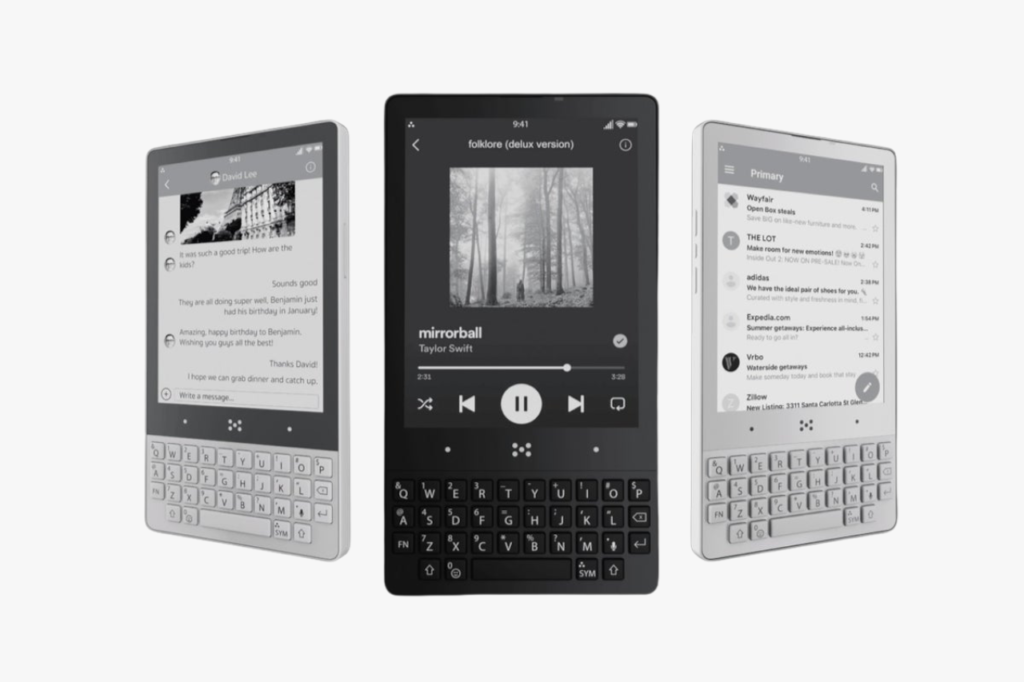
Real physical keyboards give you a clear, hands-on feel. The phone features a real QWERTY keyboard right below the screen. Firm keys click gently when you press them. This makes typing emails and text messages feel very accurate.
The keyboard has special buttons for advanced typing. You can type symbols using the SYM key. An ALT key sits on the bottom row to help with formatting text. These keys make writing professional work emails very simple.
A touch-sensitive bar separates the screen from the keyboard. This bar holds the standard Android buttons you need to move around. The physical keys encourage you to write with intent. It calmly stops the fast, messy typing of regular touchscreens.
Software: Pure Android 14 Utility
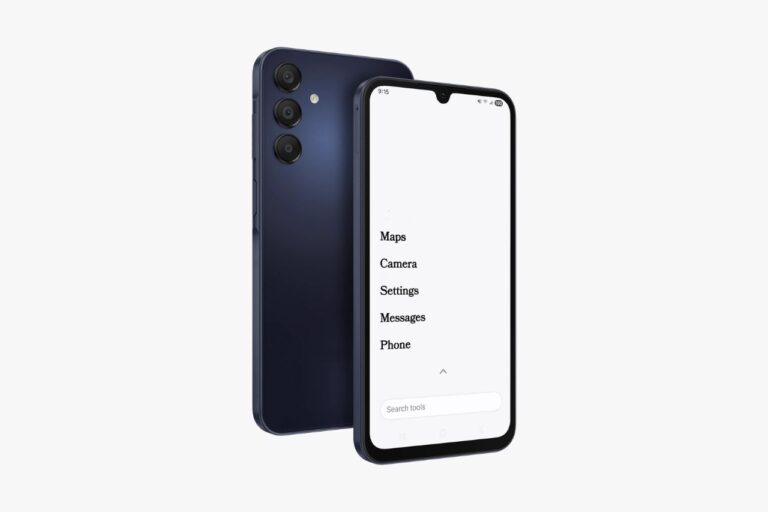
The phone runs on a pure Android 14 system. This keeps your data safe with modern security. You enjoy a clean, text-based home screen. It strips away messy app icons and stressful visual clutter.
Unlike basic dumbphones, you get full Google Play Store access. You can safely download banking apps, maps, and essential tools. It supports secure RCS messaging for better, modern texting. Want to block distractions yourself? Installing the best app blockers is an easy process.
The black-and-white screen naturally stops you from watching too much content. You can install video apps, but fast motion looks blurry on e-paper. This limit acts as a gentle barrier to long video binges. The phone shines when showing books, calendars, and simple text apps.
Connectivity and Everyday Integration
Staying connected means having modern tools. The Minimal Phone supports helpful features like Android Auto and NFC payments. You can simply tap to pay for groceries or use your car’s screen for maps. It gives you the modern tools you actually need.
The phone includes dual sim support. This lets you keep your work and personal numbers on one device. You can also add a memory card for more storage space. This gives you plenty of room for offline music and podcasts.
Bluetooth lets you easily pair your wireless earbuds and fitness trackers. The phone seamlessly syncs data with smart rings or watches in the background. Everything works smoothly. It does this without pulling you into distracting social feeds.
Camera System Capabilities
The camera offers basic help, not pro-level photos. The back holds a simple 16 MP camera. It has an LED flash to help you scan papers clearly in dark rooms.
The front has a standard 5 MP camera. This lens works fine for basic video calls and face scans. You should expect basic image quality. It gets the job done without replacing a real camera.
Looking at your photos on the phone is unique. The e-paper screen shows every image in black and white. You must send files to a computer to see their real colors. The camera cares purely about function, not artistic photos.
Battery Life and Power Efficiency
A long battery life is a huge perk here. The maker promises up to a 4-day battery life with normal use. The e-paper screen sips power compared to bright smartphone screens. This helps the phone last much longer.
If you stick to texts, calls, and emails, your battery will thrive. Watching videos or running maps all day drains it faster. But, the mindful design naturally stops you from doing those draining tasks.
Charging uses a standard USB-C port on the bottom edge. You can easily use the same charging cables you use for laptops. The long battery life feels very freeing. It removes the daily stress of hunting for a power outlet.
Comparisons and Market Alternatives
The minimalist tech world offers many ways to reduce screen time. You should check out different operating systems before buying. The Minimal Phone strikes a nice balance. It keeps normal Android software but radically changes the screen.
Phones with custom software offer an even stricter break from screens. For a highly refined layout, read our Light Phone III review. If you care deeply about privacy and absolute basics, see our Mudita Kompakt review.
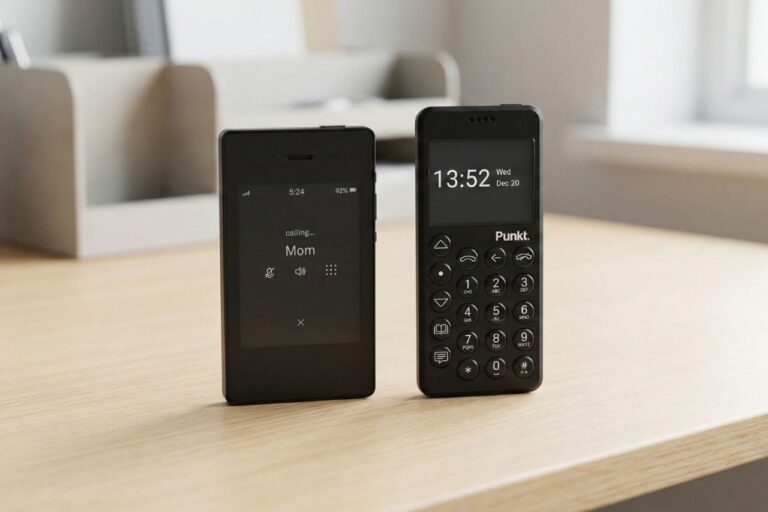
The physical shape of the phone also matters a lot. If you like a classic flip phone design, read our Sunbeam F1 review. Want a touchscreen mixed with a keypad? Explore our Keyphone The Hybrid review. Finally, for a premium phone focused only on voice and tethering (sharing your internet), check our Punkt MP02 review.
Final Assessment
The Minimal Phone offers a highly specific tool for reclaiming your time. It blends a clean Android 14 system with a real QWERTY keyboard. This setup creates a powerful tool for mindful texting and emails.
The camera and video features are very limited. But, the 4-day battery life gives you real peace of mind. This phone is perfect if you need basic modern apps. It helps you quietly clear digital clutter from your daily routine.