Minimalist Desk Setup 2026: Essential Gear for Deep Focus

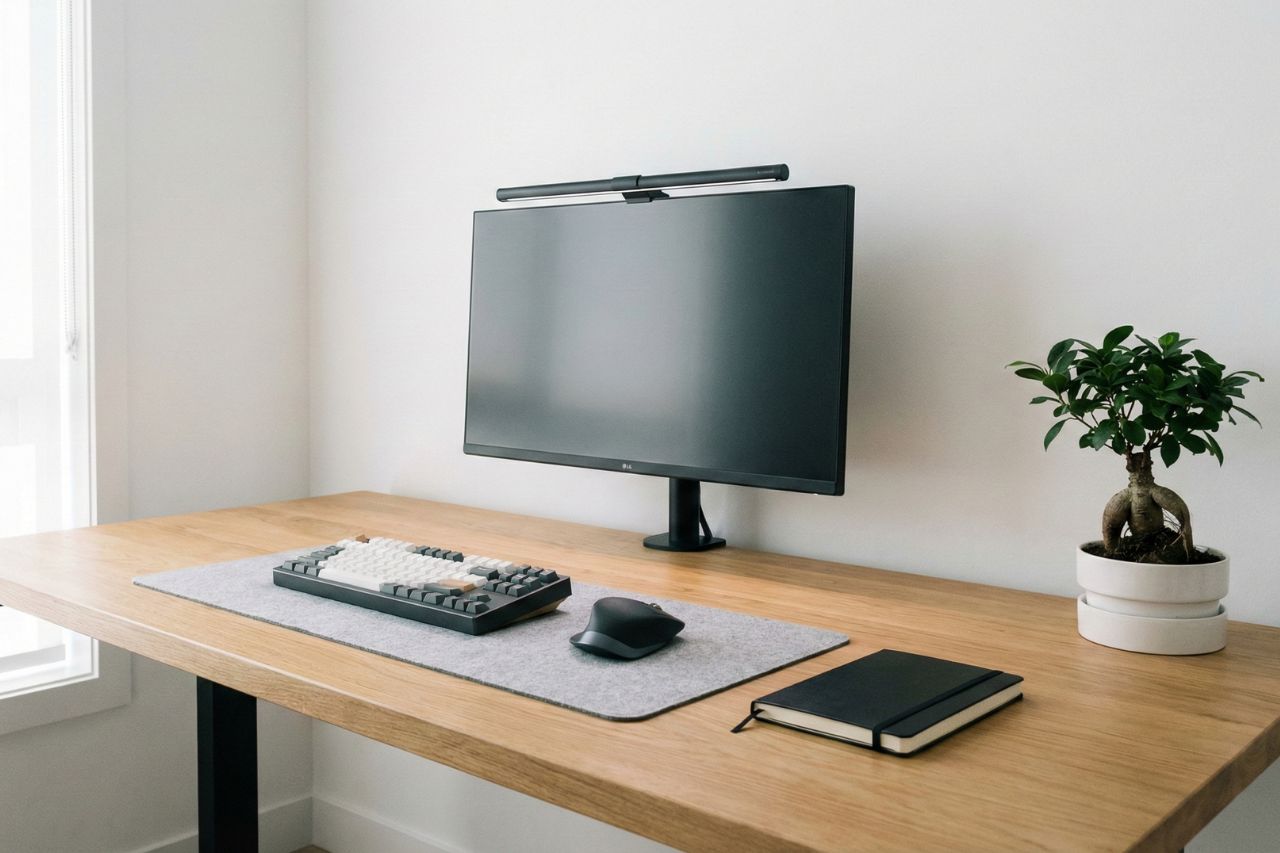
Look at your desk right now. What do you see?
Do you see a clean, inviting surface that makes you want to work? Or do you see a tangle of charging cables, a stack of old mail, three empty coffee cups, and a layer of dust?
Your environment dictates your state of mind. It is impossible to have a clear, focused mind when your peripheral vision is filled with visual chaos.
Every object on your desk competes for your attention. The clutter creates a background hum of cognitive load. Your brain has to actively ignore the mess to focus on the screen, and that micro-effort drains your battery throughout the day. By 2:00 PM, you feel exhausted, not because the work was hard, but because your environment was fighting you.
In 2026, building a minimalist desk setup is not just about taking pretty photos for Instagram. It is a productivity strategy. It is about reducing friction. It is about creating a cockpit designed for one specific purpose: Deep Work.
Hi, I’m Finn Albar.
I have spent years tweaking my workspace. I have gone from chaotic dorm desks to over-complicated multi-monitor command centers. I finally landed on a philosophy of essentialism.
Here is the comprehensive guide to building a distraction-free workspace that protects your focus.
The Psychology of Visual Noise
Before we buy any gear, we must understand the enemy. The enemy is Visual Noise.
Neuroscience shows that our brains process visual input continuously, even when we aren’t consciously looking at it. Clutter overloads the visual cortex. It raises cortisol levels.
A minimalist setup removes this noise. When you sit down, there should be nothing in front of you except the task at hand. This creates a psychological trigger. Just like putting on running shoes tells your brain it is time to exercise, sitting at a clean desk tells your brain it is time to focus.
We are going to build this setup layer by layer.
Choosing the Right Foundation
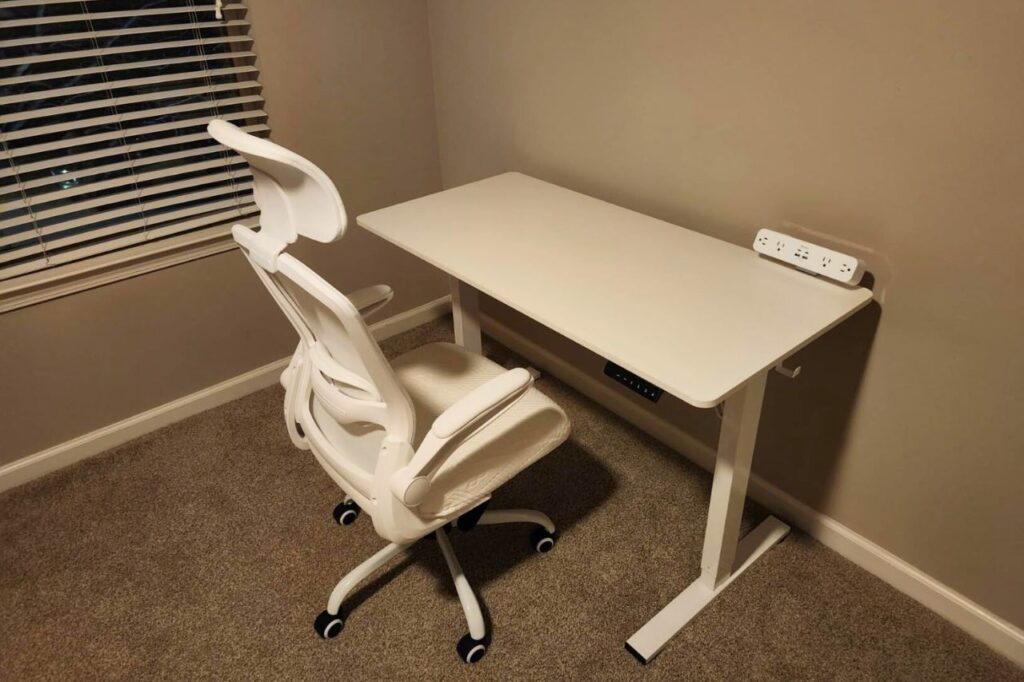
The desk itself is the stage. If the stage is shaky or too small, the performance will suffer.
In 2026, the standard for a productive workspace is a Sit-Stand Desk.
Sitting for eight hours a day is physically destructive. It tightens your hip flexors, weakens your core, and makes you lethargic. A standing desk allows you to change your posture without stopping your work. The simple act of standing up increases blood flow to the brain, which can snap you out of a mid-afternoon slump.
You do not need the most expensive model. You need stability. Brands like Flexispot or Jarvis offer solid bamboo or walnut tops that bring a touch of nature into your workspace. Natural textures like wood are proven to lower stress levels compared to sterile white plastic.
If you cannot afford a new desk, clear off your current one completely. Take everything off. Only put back the items you use every single day. Everything else goes in a drawer.
Why You Need a Monitor Light Bar
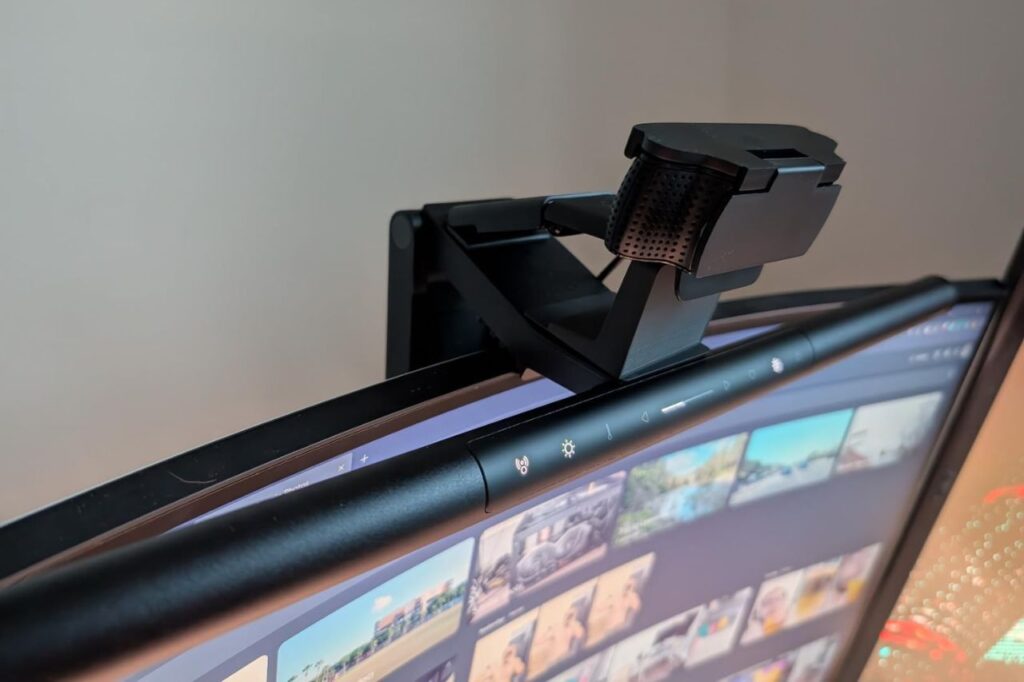
Lighting is the most underrated aspect of a setup. Most home offices are lit by a single, harsh ceiling bulb behind you. This creates shadows on your desk and glare on your screen.
The solution is not a traditional desk lamp, which takes up valuable space. The solution is a Monitor Light Bar.
This device sits on top of your monitor and shines light down onto your desk, not onto the screen.
BenQ ScreenBar is the gold standard here. It illuminates your keyboard and notebook perfectly without creating any glare on your monitor. This reduces eye strain significantly.
Psychologically, turning on the light bar creates a “cone of focus.” The rest of the room falls into shadow, and your attention is spotlighted on your work. It is a game-changer for late-night sessions.
The Tactile Joy of Mechanical Keyboards
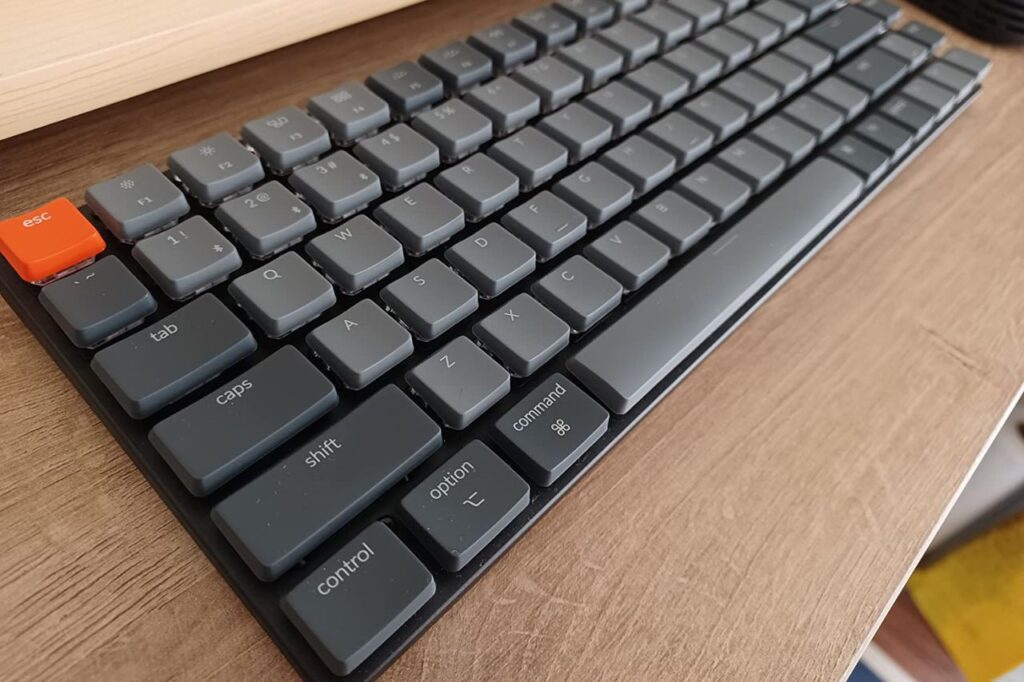
If you are a writer, coder, or anyone who types for a living, your keyboard is your primary tool. Using a flat, mushy laptop keyboard is like a carpenter using a dull saw. It works, but it is miserable.
Enter the Mechanical Keyboard.
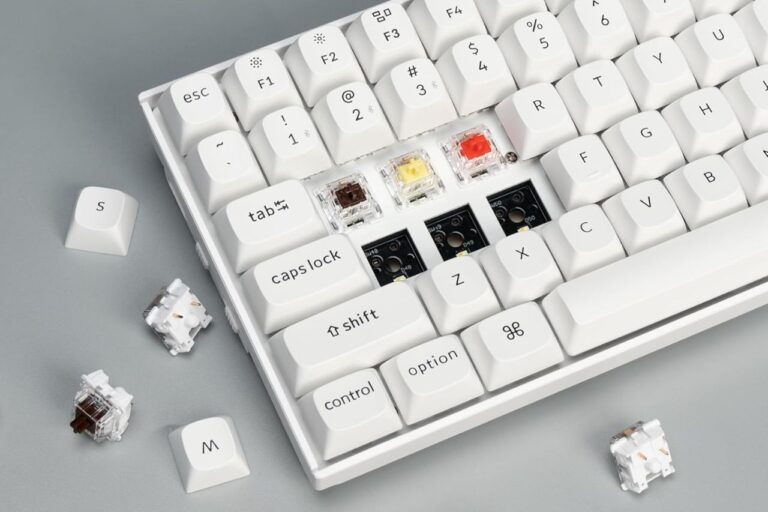
These keyboards use physical switches under each key. When you press a key, you feel a tactile bump and hear a satisfying click or thock sound. This sensory feedback confirms that the key has been pressed.
Why does this matter for minimalism? Because it makes the act of working pleasurable. It adds a rhythmic cadence to your typing.
For a minimalist aesthetic, look for a 75% layout (no number pad) from brands like Keychron or NuPhy. Wireless models keep your desk clean. Choosing a keyboard with a satisfying sound profile turns a boring email session into a tactile experience.
The Importance of a Desk Mat
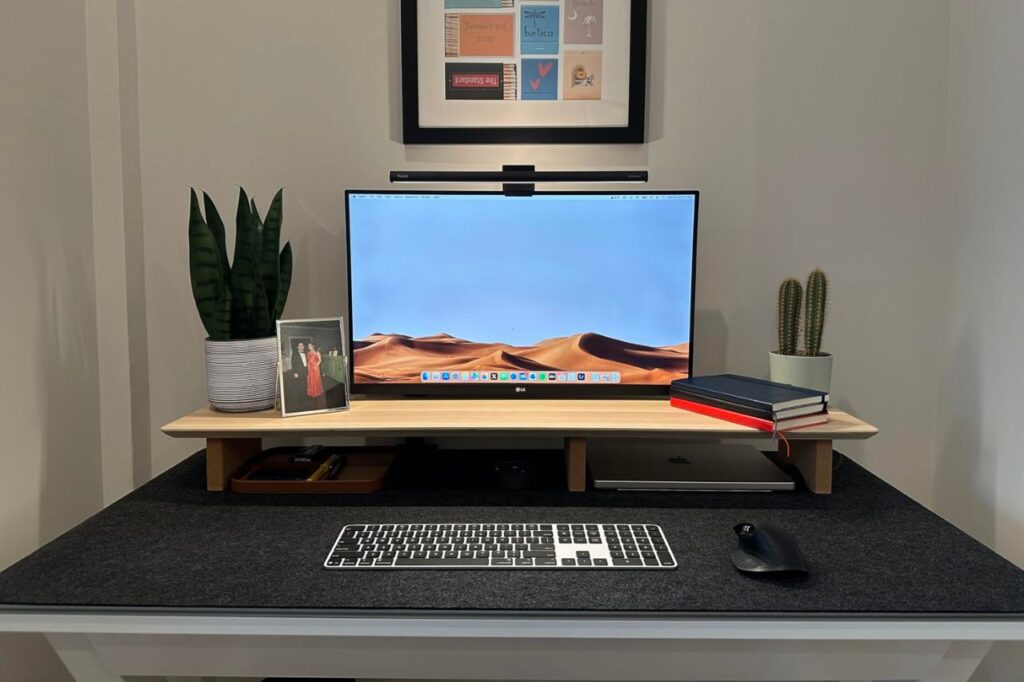
Place a large felt or leather mat on your desk.
This serves two purposes. First, it anchors your setup. It visually defines the “work zone” where your keyboard and mouse live.
Second, it improves acoustics. A wool felt mat dampens the sound of your keyboard and prevents your phone from clattering loudly when you put it down. It adds a layer of softness to the hard technology.
Dark gray or charcoal mats are best as they hide dust and provide high contrast for white papers or silver gadgets.
Cable Management is Non-Negotiable
Nothing destroys a minimalist aesthetic faster than a snake pit of cables.
Seeing tangible chaos creates mental chaos. When you see wires tangled up, your brain registers it as “unfinished business” or “mess.”
You do not need to be an electrician to fix this.
- Wireless Everything: Use a wireless mouse and keyboard.
- One Cable Rule: If you use a laptop, get a USB-C Hub or Dock. This allows you to plug your monitor, power, and accessories into the hub, with only one single cable running to your laptop.
- Velcro Ties: Bundle the cables behind your monitor stand. If you can’t see them, they don’t exist.
Analog Tools for Thinking
A minimalist desk should not be empty. It should have space for Analog Thinking.
Always keep a physical notebook and a high-quality pen to the right (or left) of your keyboard.
When you are stuck on a problem, move your eyes away from the screen. Open the notebook. Scribble. Draw diagrams. The brain processes information differently when writing by hand.
Having a dedicated analog zone on your desk prevents you from opening a new browser tab when you need to brainstorm. It keeps you in the flow. If you prefer digital handwriting, a device like the ReMarkable 2 can replace the paper stack while maintaining the minimalist look.
Protecting Your Focus with Timers

We have discussed the Pomodoro Technique extensively. To make it work, you need a physical timer on your desk.
Do not use your phone as a timer. If you touch your phone, you will check WhatsApp.
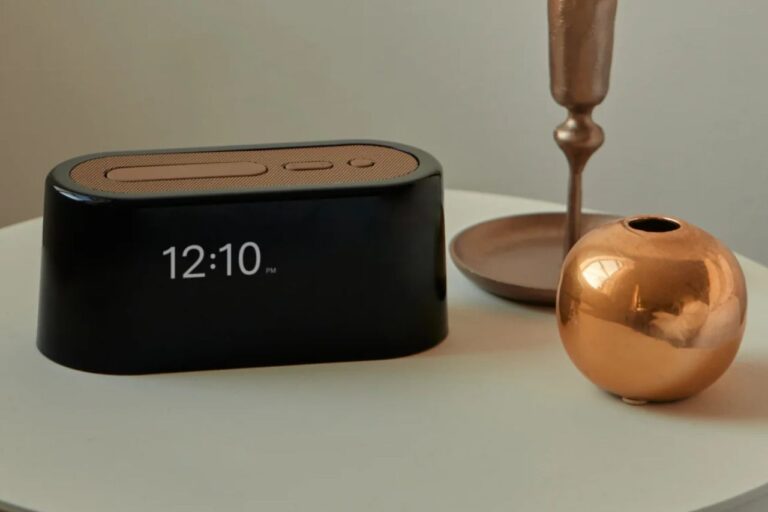
Place a simple Visual Timer or a digital cube timer on the corner of your desk. It serves as a visual anchor. When you glance at it and see the red disk vanishing, it reminds you that time is passing and you need to stay on task. It is a physical manifestation of your intention to focus.
Dealing with the Smartphone
The smartphone does not belong on the desk.
If your phone is within arm’s reach, you will pick it up. Even if it is face down, your brain is expending energy ignoring it.
Create a “Charging Station” on a shelf behind you or in a drawer. If you must have it on your desk for work calls, buy a stand that keeps it upright and place it in your peripheral vision, but use an App Blocker to silence non-urgent notifications.
A minimalist desk is a phone-free desk.
Verdict regarding Your Workspace
Building a minimalist desk setup is an ongoing process of subtraction.
Start by removing everything. Then, only put back the items that actively help you work.
- Does that stack of old receipts help you write? No. Remove it.
- Does that second monitor actually make you productive, or does it just give you more screen space to display Slack and Twitter simultaneously? Try working with one screen.
Your desk is the cockpit of your career. Treat it with respect. When you sit down at a clean, organized, and intentional workspace, you are telling yourself that your work matters.
Clear your desk, clear your mind.