Remarkable 2 Review: Can This E-Ink Tablet Free You From Digital Distraction?

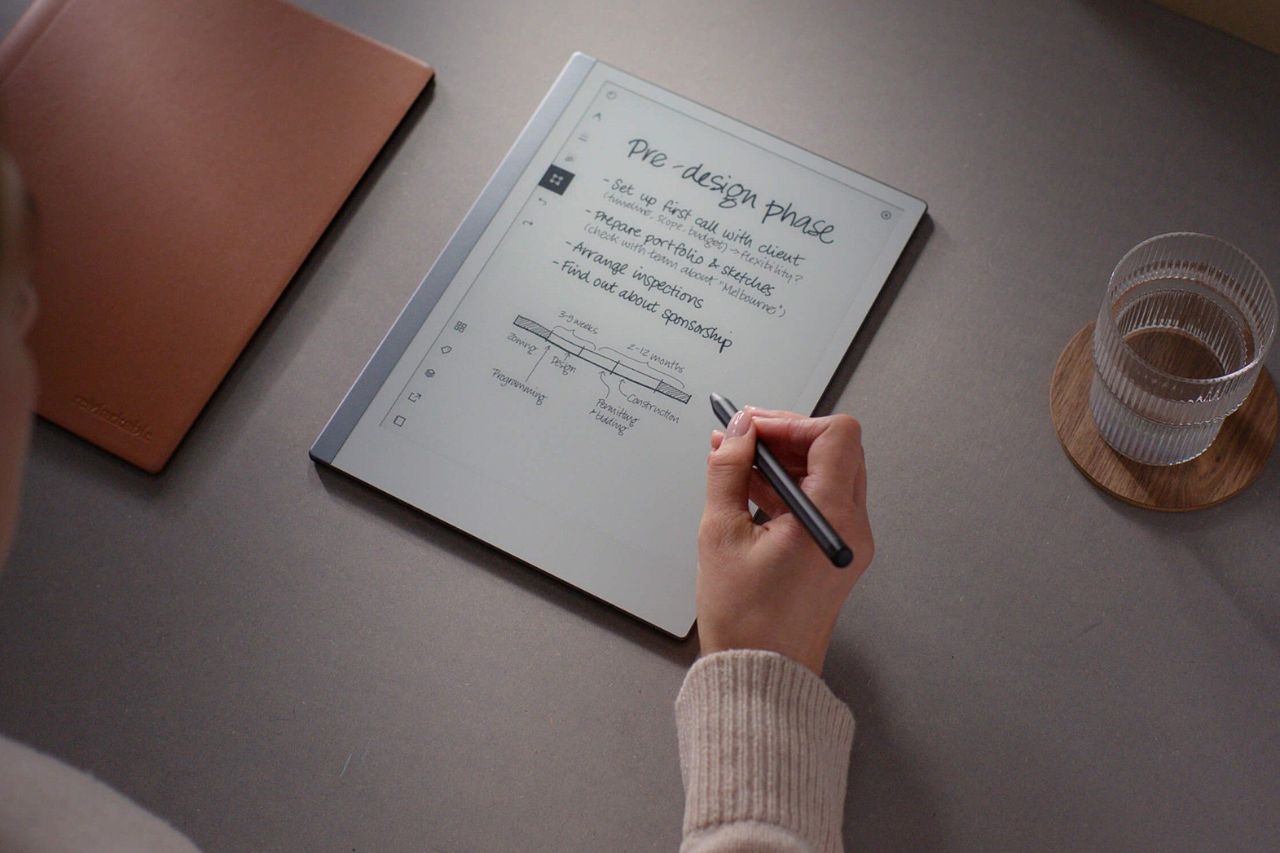
The reMarkable 2 tablet costs as much as an iPad, but it won’t let you browse the web, check email, or stream videos. It displays everything in black and white and doesn’t even have a backlight.
For most people, this sounds like a bad investment. Why would you spend hundreds of dollars on something that does less than a basic smartphone?
But you already understand something most people don’t. You’re not looking for another device that does everything. You’re looking for a tool that helps you focus by doing very little.
The reMarkable 2 tablet isn’t trying to compete with your laptop or phone. It’s designed to pull you away from the constant notifications and endless apps that fragment your attention.
This remarkable 2 review will help you decide if paying premium prices for fewer features actually makes sense for your life in 2026. The remarkable tablet provides a specific kind of focus.
The World’s Thinnest Tablet
The reMarkable 2 measures just 4.7mm thick. When you pick it up, it doesn’t feel like a typical tablet. It feels more like holding a clipboard or a thin piece of rigid glass.
This e ink tablet was designed to replace paper, not compete with computers. The company calls it “The Paper Tablet” for good reason. They built this digital paper tablet with one goal in mind: to recreate the experience of writing on actual paper.
The design includes an asymmetric look with a chin at the bottom and a spine along the left edge. This spine resembles a notebook binding, which gives the device a clean and thoughtful appearance.
In 2026, you have more options than ever for e-ink tablets. Amazon’s Kindle Scribe, the Kobo Elipsa, and devices from Boox offer their own takes on digital paper.
But the reMarkable 2 still leads in one specific area: how it feels to write on it. The e ink display delivers a writing experience that other devices struggle to match. It creates a friction that feels closer to graphite than glass.
What It Feels Like to Write
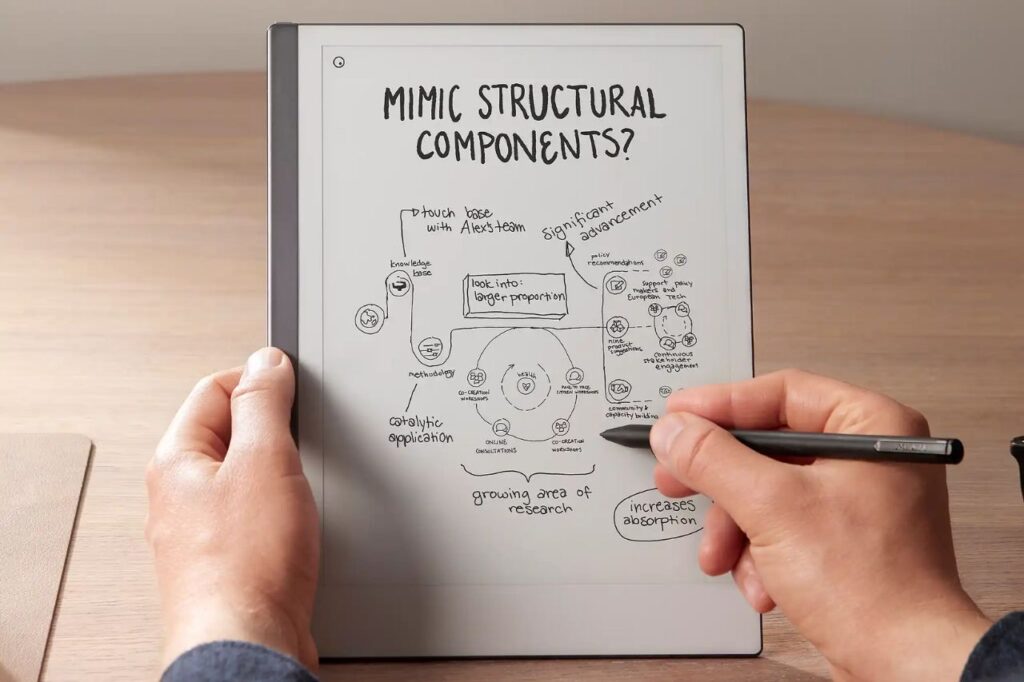
When you write on the reMarkable 2, you’re not gliding across glass. You’re dragging a pen across a surface that pushes back.
The screen has a texture to it. The Marker Plus uses pen tips made from compressed felt that wear down over time, just like a pencil would. When you move the pen, you feel real friction. You hear a quiet scritch-scratch sound that reminds you of graphite on thick paper.
This paper-like writing experience changes how your brain responds. You’re not typing. You’re not tapping. You’re making handwritten notes with your hand, and that unlocks a different way of thinking.
The speed matters too. The screen supports high levels of pressure sensitivity to mimic real pencils and pens. The delay between your pen touching the screen and the ink appearing is about 21 milliseconds.
That’s fast enough that it feels instant. You don’t feel like you’re waiting for technology to catch up with your hand.
This digital notebook lets you annotate PDFs and write naturally. The reMarkable Marker doesn’t feel like a stylus. It feels like a tool that’s connected to your thoughts.
For people who think better with a pen in their hand, this tactile feedback creates a flow state that keyboards can’t match. Your brain gets tricked into believing you’re using real paper and ink.
Why Not Just Buy an iPad?
You might be thinking about skipping the reMarkable 2 and just buying an iPad with a matte screen protector instead. That’s a reasonable thought on paper. The price is similar, and an iPad can do far more than just take notes.
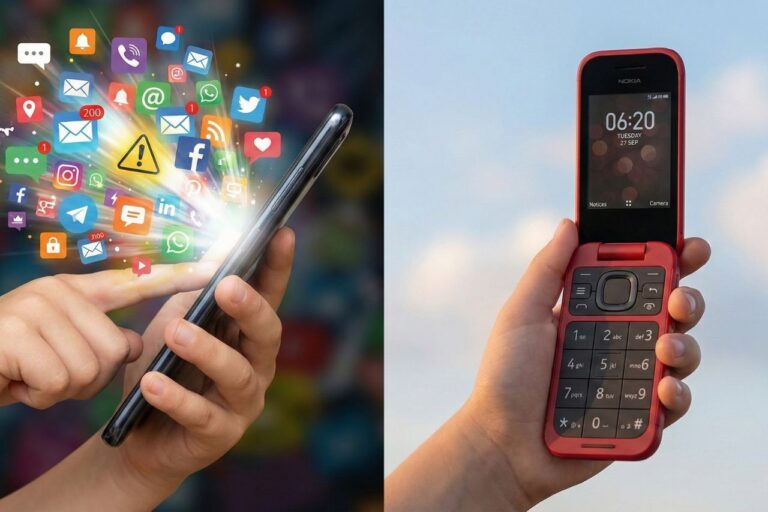
But here’s what that logic misses. Both iPads and Android tablets are doorways to endless distractions. Every time you open them, notifications can pull you away. Social media is just a tap away. Your inbox is right there waiting.
The reMarkable 2 works differently:
- No notifications pop up while you write
- No apps compete for your attention
- No bright screen strains your eyes
- Just a blank page ready for your thoughts
- No speakers or audio to create background noise
- No support for headphones to keep you in the zone
The Kindle Scribe and Boox Note Air offer similar focused experiences. They all create a space where your mind can actually settle and work.
When your attention gets pulled in a hundred directions every day, a device that helps you focus isn’t extra. It’s essential for getting real thinking done.
Software & Syncing
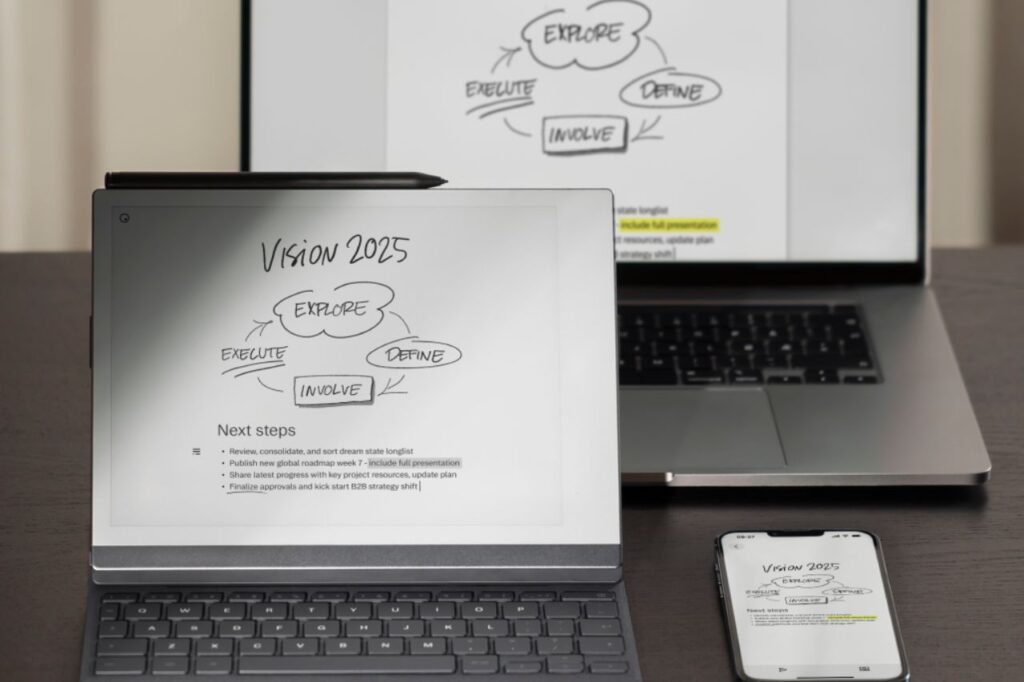
The reMarkable ecosystem has grown stronger over time. You can now download the reMarkable app on Windows, your phone, and other computers.
When you write something on the tablet, it automatically appears across all your devices through cloud sync. This makes moving from the tablet to your laptop seamless.
The PDF markup feature works well if you’re a student or researcher. You can load large documents onto the device and read them without the usual screen fatigue. Adding notes in the margins feels natural and easy.
The software offers robust organization using folders to keep your projects tidy. You can start writing immediately using quick sheets for rapid thoughts.
For more complex layouts, the inclusion of layers allows you to sketch or annotate without affecting the base document. You can choose from various templates, such as dot grids or planners, to suit your style.
The integration of ai helps process your handwriting for better searchability and conversion. This makes digital note-taking feel more efficient than traditional paper methods.
The handwriting conversion tool is surprisingly good. You can write messy notes by hand, then convert handwriting to text with one tap. The accuracy is better than you might expect. You can then email the typed text to yourself or others.
Key Features:
- Cloud syncing across all devices
- PDF annotation and markup
- Handwriting to text conversion
- Access through the reMarkable app
The remarkable connect subscription unlocks these cloud features. Without it, you lose the ability to sync your work across devices.
The Type Folio keyboard case turns your tablet into a distraction-free writing machine when you need to type instead of write by hand.
Technical Specifications
The reMarkable 2 comes with a 10.3-inch display that shows 226 DPI resolution. You get sharp, clear text that’s easy on your eyes.
The device holds 8 GB of storage space. This gives you room for around 100,000 pages of notes before you run out of space.
Power and Charging
The tablet has a 3,000 mAh battery inside. With normal use, you can expect about two weeks of long battery life before plugging it back in.
The device charges through USB-C, which is the same port most modern devices use. You can protect your device with a sturdy folio cover during travel.
You connect to Wi-Fi on both 2.4GHz and 5GHz networks. The USB-C charging port handles both power and data transfer.
Physical Specs
The tablet weighs 403 grams. That’s lighter than many paper notebooks of the same size, so you won’t feel weighed down carrying it around.
Pros & Cons
What Works Well:
- Writing Experience: The feel when you write on this tablet beats everything else you can buy right now.
- Focus Mode: You won’t find any browser, email apps, or social media to pull your attention away.
- Solid Construction: The device feels expensive and built to last through daily use.
- Long Power: You can go a full week without plugging it in and still have battery left.
- Easy on Eyes: The screen won’t tire your eyes like regular tablets do.
Where It Falls Short:
- No Front Light: You need a lamp to use it in dark rooms, just like reading a physical book.
- Hidden Costs: The base tablet costs $299, but you’ll need to buy the pen ($129) and type folio case or book folio separately for over $100 more.
- Book Reading Limits: PDFs work fine, but dedicated e-readers handle regular books much better.
Who is This For?
The reMarkable 2 works best for people who think deeply for a living. Writers, lawyers, strategists, designers, and students who need to work through complex ideas will find this device valuable.
It removes digital distractions that pull you away from your work. It is an excellent tool to use at home or in a busy office.
This tablet makes sense if you love writing on paper but your notebooks are taking over your desk. One slim device can replace dozens of physical notebooks. You get the feel of paper without the clutter filling your shelves.
This device is not right for you if:
- You watch videos or look at color photos regularly
- You check emails throughout the day
- You read mainly in dark rooms
This device fits your needs if:
- You work with ideas that require focus and clear thinking
- You want paper’s benefits without storing piles of notebooks
- You recognize that constant digital distractions hurt your ability to concentrate
Should You Buy It in 2026?
The reMarkable 2 costs $400, which feels steep for something that mostly takes notes. But think about what you’re really paying for. You’re buying a tool that lets you focus without distractions pulling you away every few minutes.
This device works best for specific people. If you need to do deep work like writing, planning, or thinking through complex problems, it might change how you work. The value isn’t in the hardware specs. It’s in whether this tool helps you finish projects that matter to you.
Who benefits most:
- Writers working on long projects
- Business professionals who plan and strategize
- Anyone struggling with digital distractions
Consider getting the Marker Plus bundle. The built-in eraser makes the experience much better and saves frustration during long work sessions.