How to Declutter Your Digital Life: The 30-Day Reset Guide

Imagine walking into your living room. Imagine that every piece of mail you have received for the last ten years is piled on the floor. Imagine thousands of random photos taped to the walls. Imagine hundreds of tools scattered on the sofa that you haven’t touched since 2019.
You would probably have a panic attack. You would feel suffocated. You would immediately start cleaning.
Now, unlock your phone.
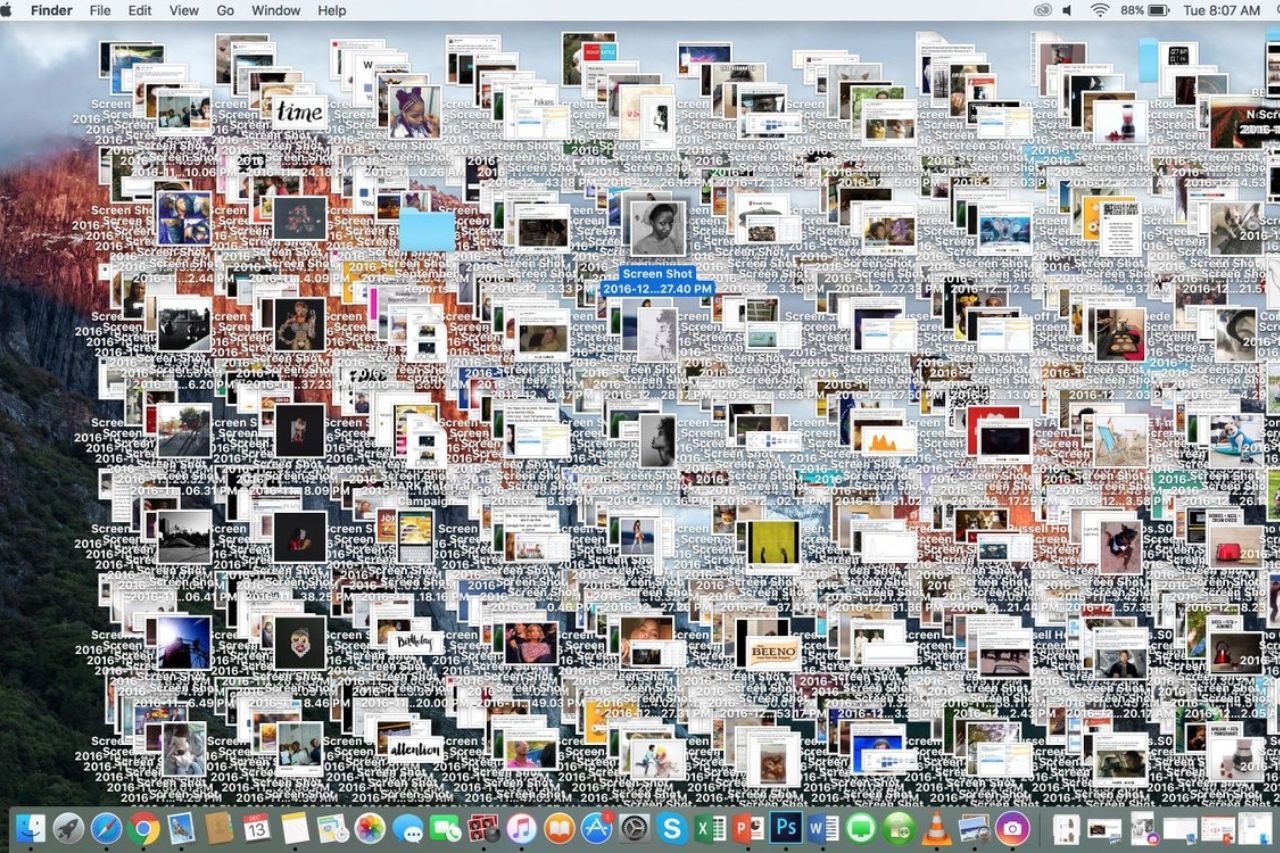
Look at your camera roll with 14,000 photos. Look at your email inbox with 5,000 unread messages. Look at the three pages of apps you never open. Look at your desktop screen covered in random screenshots and PDF files.
This is Digital Hoarding.
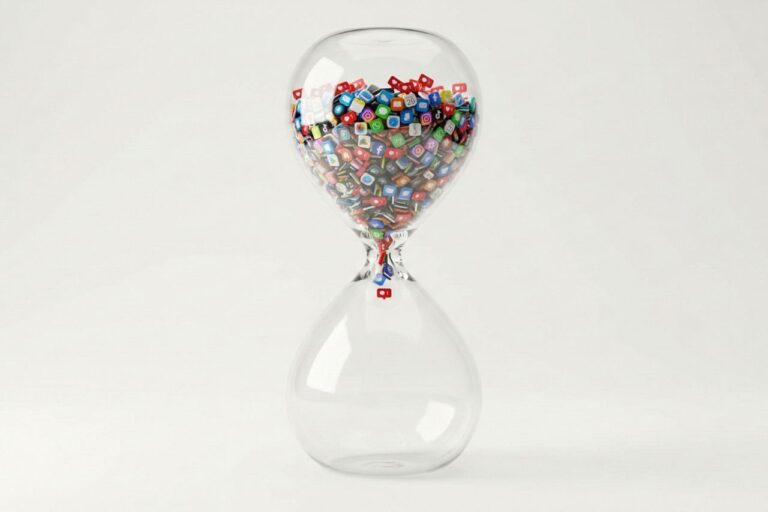
Because digital clutter doesn’t take up physical space, we ignore it. We treat storage space as infinite, so we keep everything “just in case.” But digital clutter takes up mental space. Every unorganized file is a tiny decision your brain hasn’t made yet. Every red notification badge is a visual debt.
A cluttered device leads to a cluttered mind. It creates a low-level background hum of anxiety that drains your battery before you even start working.
In 2026, cleaning your digital life is just as important as cleaning your physical home. It is an act of self-respect.
Here is the comprehensive guide to performing a Deep Digital Cleanse that will make your devices feel brand new and your mind feel surprisingly light.
The Psychology of Digital Hoarding
Why is it so hard to hit delete?
We hoard digital items for the same reason we hoard physical ones: Fear.
We are afraid that if we delete that blurry photo from a concert five years ago, we will lose the memory forever. We are afraid that if we unsubscribe from that newsletter, we might miss a crucial piece of information. We are afraid that we might need that PDF utility app someday.
This is the scarcity mindset.
To successfully declutter, you must adopt an Abundance Mindset. You must realize that your memories are in your brain, not in a JPEG. You must realize that information is always retrievable.
The goal of this reset is not to delete everything. The goal is to curate. We are moving from a library of chaos to a museum of value.
Phase 1 The Email Excavation
We start with the biggest source of stress. The Inbox.
We previously discussed why Inbox Zero is a Myth, but that doesn’t mean you should let your inbox become a trash can. You need to stop the bleeding.
The Unsubscribe Spree
Do not just delete emails. That is like bailing water out of a sinking boat. You need to plug the hole. Go to your inbox. Search for the word “Unsubscribe.” This will bring up every newsletter and marketing blast you have ever signed up for. Spend 20 minutes going down this list. If you haven’t opened their emails in the last 3 months, unsubscribe immediately. Be ruthless. If it was important, you would have read it.
The Bulk Archive
Do not try to organize 10,000 old emails. It is a waste of your life. Instead, perform a “Bankruptcy.” Search for all emails older than 6 months. Select All. Click Archive. They are not deleted. They are still searchable if you desperately need them. But they are out of sight. A clean inbox signals to your brain that you are up to date.
Phase 2 The Photo Library Purge
This is the most emotional part. Our photos are our external hard drive for memories. But having 20,000 photos means you never look at any of them.
The Screenshot Epidemic
Start here. Go to your “Screenshots” album. You probably have hundreds of screenshots of recipes, memes, maps, or accidental pocket captures. Delete them. All of them. If you haven’t looked at that recipe screenshot in a week, you aren’t going to make it.
The Duplicate Disaster
In 2026, both iOS and Android have powerful built-in tools to find duplicates. Go to your Photos app. Scroll down to “Utilities.” Tap “Duplicates.” Let the AI merge them. This instantly clears gigabytes of space and cleans up the visual noise.
The Burst Mode Cleanup
You tried to take a photo of your dog and accidentally took 45 photos in one second. Keep the best one. Delete the other 44. You do not need 44 nearly identical photos of a dog blinking.
Phase 3 The App Graveyard
Apps are tools. If you have a hammer in your garage that you haven’t touched in two years, you get rid of it. Do the same with your phone.
The One Year Rule
Go to your Settings -> General -> iPhone Storage (or Android equivalent). Look at the list of apps. It will tell you “Last Used Date.” If you haven’t opened an app in the last year, delete it. No mercy. If you need it again someday, you can download it again in 30 seconds. The cloud makes apps disposable.
The Home Screen Diet
Your home screen is sacred real estate. It should only contain the tools you use daily. Move everything else to the App Library or a hidden folder. Better yet, use a Minimalist Launcher or a Focus Mode setup to hide colorful icons completely. A boring phone is a peaceful phone.
Phase 4 The Social Media Feed Curation
Your social media feed is a digital diet. If you eat junk, you feel sick. If you consume toxic content, you feel anxious.
The Mute Button is Your Friend
You don’t have to unfollow your aunt or your coworker if it feels socially awkward. Just Mute them. Curate your feed so that every time you open the app, you see something that educates you, inspires you, or makes you genuinely laugh.
Remove the Doom Bait
Unfollow news aggregators, rage-bait influencers, and accounts that make you feel inadequate (FOMO). Replace them with accounts about art, Analog Hobbies, or nature. Make your feed a place of rest, not a place of stress.
Phase 5 The Desktop Disaster
Now look at your computer. Is your desktop covered in random files named “Untitled_Document_Final_V2.pdf”?
Visual clutter on your computer monitor constantly pulls at your peripheral vision.
The One Folder Solution
If you are lazy (like me), create a folder on your desktop called “Old Desktop Stuff [Year].” Drag absolutely everything into that folder. Now your wallpaper is clean. You haven’t lost anything; it’s just in a box.
The Download Folder
Your “Downloads” folder is likely a digital landfill. It is the single biggest waste of space on your hard drive. Sort by “Date Added.” Delete everything older than a month. Installers, zip files, temporary PDFs—trash them.
Maintenance The Monthly Reset
A deep clean feels great, but entropy is a law of the universe. Disorder will return.
You need a maintenance ritual. I call it “The First of the Month Reset.”
On the 1st of every month, set a recurring reminder. Spend 15 minutes doing a mini-version of this guide:
- Clear screenshots from the last 30 days.
- Empty the Downloads folder.
- Delete any new apps that didn’t stick.
- Unsubscribe from any new newsletters that are annoying you.
Verdict: A Lighter Existence
When you finish this process, pick up your phone.
Unlock it. Swipe through the home screen. Open your photos.
You will feel a physical sensation of lightness. The device feels faster. But more importantly, your brain feels clearer.
You have removed the visual noise. You have silenced the ghosts of the past. You have turned your chaotic device back into what it was always meant to be: A tool that serves you, rather than a storage unit for your anxieties.
Start today. Pick one category (Photos is usually the most satisfying). Delete ten things.
Feel the relief? Keep going.