The Notification Audit: Which Apps Deserve Your Attention?

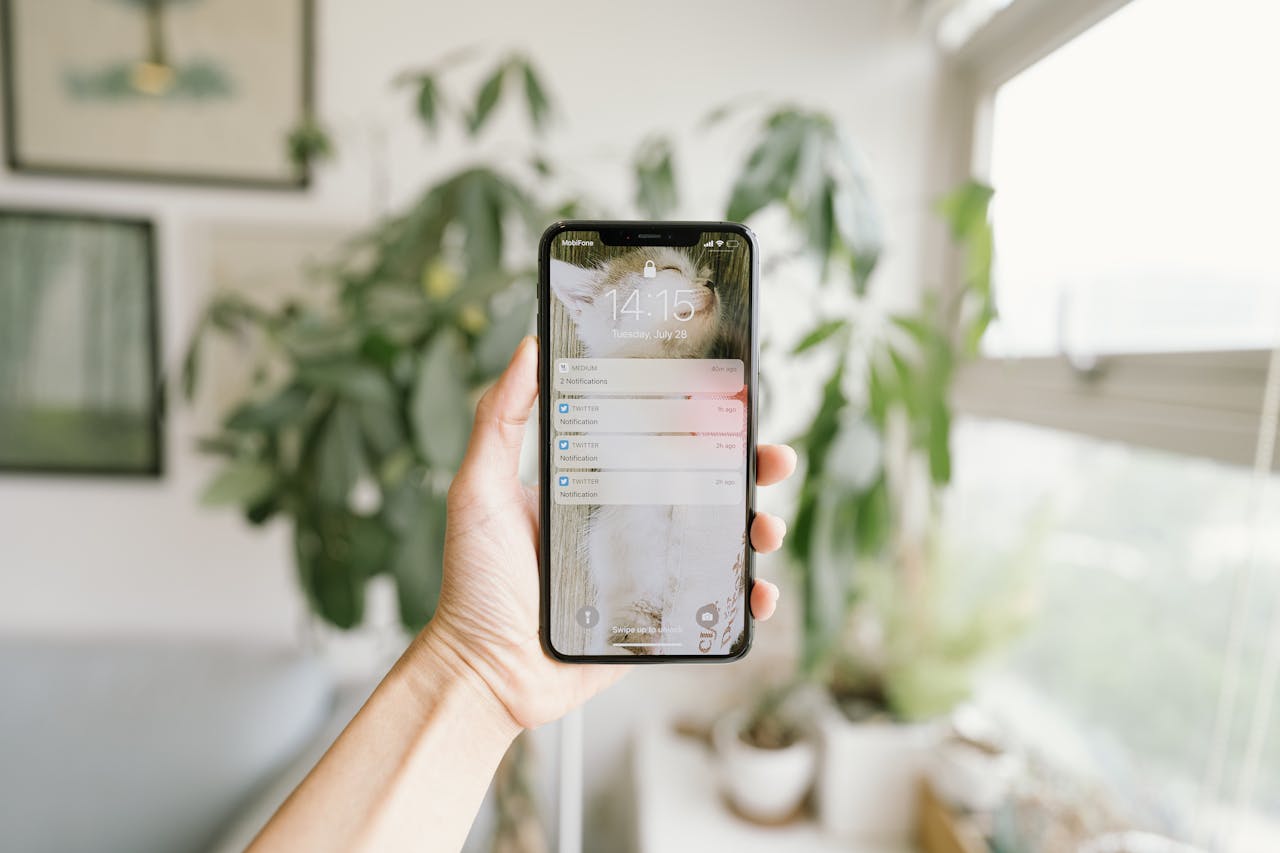
You are trying to work. Or maybe you are trying to have dinner with your family. Or maybe you are just trying to watch a movie.
Buzz.
Your pocket vibrates. Your screen lights up. Your eyes dart instinctively to the glowing rectangle.
It’s an email from a clothing brand announcing a sale. It’s a news app telling you about something terrible that happened 3,000 miles away. It’s a game telling you your virtual crops are ready to harvest.
It wasn’t urgent. It wasn’t important. But it successfully stole your attention.
In 2026, our attention is the most valuable commodity on earth, and every app developer knows it. They use notifications not to help you, but to hack your dopamine system. They treat your lock screen like a free billboard.
If you don’t defend your attention, nobody else will.
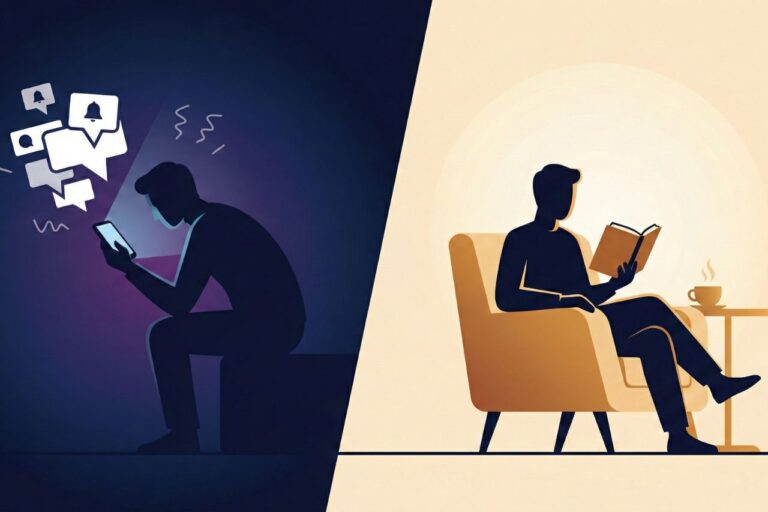
It is time to perform a Notification Audit. This isn’t about becoming a hermit who never replies to texts. It is about moving from a “Push” dynamic (where the world interrupts you) to a “Pull” dynamic (where you choose when to engage).
Here is the step-by-step framework to silencing the noise without missing what matters.
The High Cost of Interruption
Before we start cutting, we need to understand the cost.
We often think a notification only steals 5 seconds of our time. We glance, swipe it away, and go back to work.
But research suggests the cost is much higher. It takes the human brain an average of 23 minutes to fully regain deep focus after an interruption. This is the “Switching Cost.”
If your phone buzzes three times an hour, you are mathematically incapable of doing Deep Work. You are perpetually stuck in the shallows, dealing with “Attention Residue” from the previous interruption.
A Notification Audit is not just about annoyance; it is about reclaiming your cognitive capacity.
The Three Tiers of Apps
To fix this, you cannot just “Turn Off All Notifications.” That is unrealistic. You need to know when your mom calls, or when your Uber arrives.
We need to categorize every single app on your phone into three tiers.
Tier 1: The VIPs (Sound On)
These are time-sensitive, human-to-human communications that require immediate action.
- Criteria: If I miss this, will there be a real-world consequence in the next hour?
- Examples: Phone calls, Text Messages (from inner circle), Uber/Lyft, Calendar (for meetings), Banking (fraud alerts).
- Action: Keep Sound and Banners ON.
Tier 2: The Utilities (Silent Delivery)
These are useful, but not urgent. You want to see them, but they shouldn’t interrupt your dinner.
- Criteria: I need to know this, but it can wait until I pick up my phone.
- Examples: Email, Slack (unless you are on call), Weather, Amazon delivery updates.
- Action: Send to “Scheduled Summary” (iOS) or set to “Deliver Quietly” (no sound, no vibration, just appears in the center).
Tier 3: The Parasites (Kill List)
These apps send notifications solely to drag you back into the app for their own profit.
- Criteria: Does this benefit me, or does it benefit the app developer?
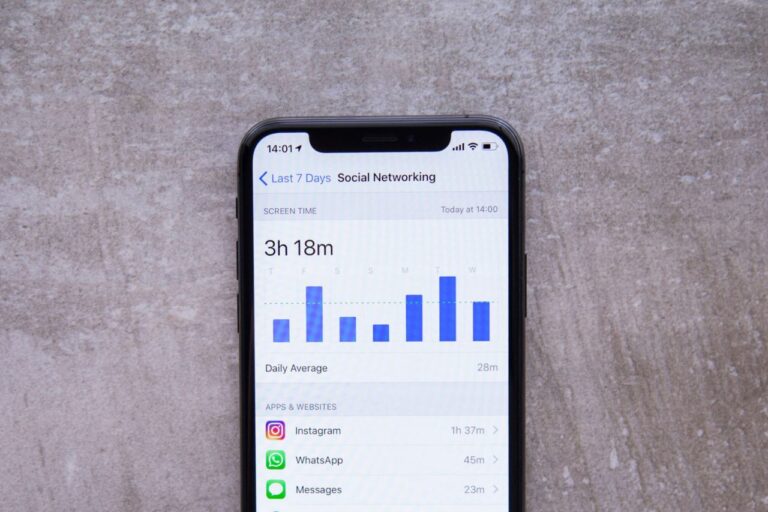
- Examples: Instagram, TikTok, Facebook, News Apps, Games, Shopping Apps, Netflix.
- Action: Turn OFF completely. No sound. No banner. No red badge. Nothing.
The Audit Process
This will take you about 15 minutes. It is boring work, but the payoff is immediate peace of mind.
- Open Settings: Go to Settings > Notifications (on iOS or Android).
- Go Down the List: Don’t skip any. Look at every single app installed on your phone.
- Apply the Tier System: Ask yourself, “Is this a human trying to reach me, or is this a machine trying to distract me?”
The “News” Trap
Special attention must be paid to News apps. They are designed to trigger anxiety (“If it bleeds, it leads”). Do you really need to know about a breaking news event the second it happens? Probably not. If something truly catastrophic happens, you will hear about it from the Tier 1 humans in your life via text or call. For everything else, you can check the news once a day on your own terms. Turn off all news notifications.
The Tyranny of the Red Dot (Badges)
There is a special circle of hell reserved for the “Badge App Icon”—that little red circle with a number inside it.
The color red triggers a biological alert response. It signifies danger or ripeness. A home screen full of red dots creates a subconscious “To-Do List” that you feel compelled to clear.
The Fix: For Tier 2 and Tier 3 apps, turn off the Badge. You do not need to know that you have 47 unread promotional emails. You do not need to know that 12 people liked your photo. When you open the app, you will see the content. You don’t need a billboard on your home screen screaming at you to open it.
Using Technology to Fight Technology
In 2026, operating systems have built-in tools to help us manage this flow. Use them.
iOS Scheduled Summary
This is the most underrated feature on the iPhone. Instead of letting non-urgent apps (like Gmail or LinkedIn) buzz you randomly throughout the day, throw them into the “Summary.” Your phone will bundle them all up and deliver them quietly at specific times you choose (e.g., 8:00 AM and 6:00 PM). It turns a constant drip of distraction into two manageable deliveries.
Focus Modes
We covered this extensively in our Focus Mode Guide, but it bears repeating: Set up a “Work” mode that silences everything except your boss and your team. Set up a “Sleep” mode that silences everything except emergencies. Automate your peace.
The Withdrawal and The Relief
For the first 24 hours after your Audit, your phone will feel broken. It will be silent. You will check it, expecting to see a missed notification, but the screen will be empty.
You might feel a spike of FOMO. “What if I’m missing something?”
But by Day 3, the silence stops feeling like “emptiness” and starts feeling like “space.” You will notice that you can finish a conversation without glancing away. You will finish a movie without checking Twitter.
You realize that the world kept turning, even though you didn’t know about every notification the second it happened.
Verdict regarding Your Attention
Your attention is a finite resource. You only have so many hours of focus in a day.
Every notification you allow is a permission slip for someone else to spend your attention for you. A game developer in San Francisco shouldn’t have the power to tap you on the shoulder while you are putting your kids to bed.
Reclaim your lock screen. Make your phone a tool that waits for you, not a master that summons you.